


This guide helps you use Gmail more easily and get more out of it during your daily work.
The 10 add-ons in this list each serve a different purpose inside Gmail. Some help you track emails and follow up at the right time.
Others help you write faster, organize conversations, turn emails into tasks, schedule meetings, or automate repetitive actions.
Together, they help you handle email more efficiently without switching between tools.
Below, you’ll find the best Gmail add-ons for productivity in 2026, explained simply so you can choose the ones that fit your workflow.
TL;DR: 10 Best Gmail Add-ons for Productivity in 2026
1. MailTracker – Track opens, re-opens, and link clicks so you know exactly when to follow up.
2. Grammarly – Write clearer, more professional emails faster with real-time suggestions.
3. Streak – Organize conversations, pipelines, and follow-ups directly inside Gmail.
4. Right Inbox – Manage follow-ups and scheduling with built-in Gmail reminders.
5. Boomerang – Control when emails are sent and when they return for follow-up.
6. Todoist – Turn emails into tasks and manage your to-do list from Gmail.
7. Google Keep – Save notes, lists, and reminders from emails to Google Drive.
8. Slack – Share important emails with your team in Slack without forwarding threads.
9. Zoom – Schedule meetings and add Zoom links directly from Gmail conversations.
10. Zapier – Automate Gmail actions and connect email with the rest of your workflow.
10 Best Gmail Add-ons
1. MailTracker
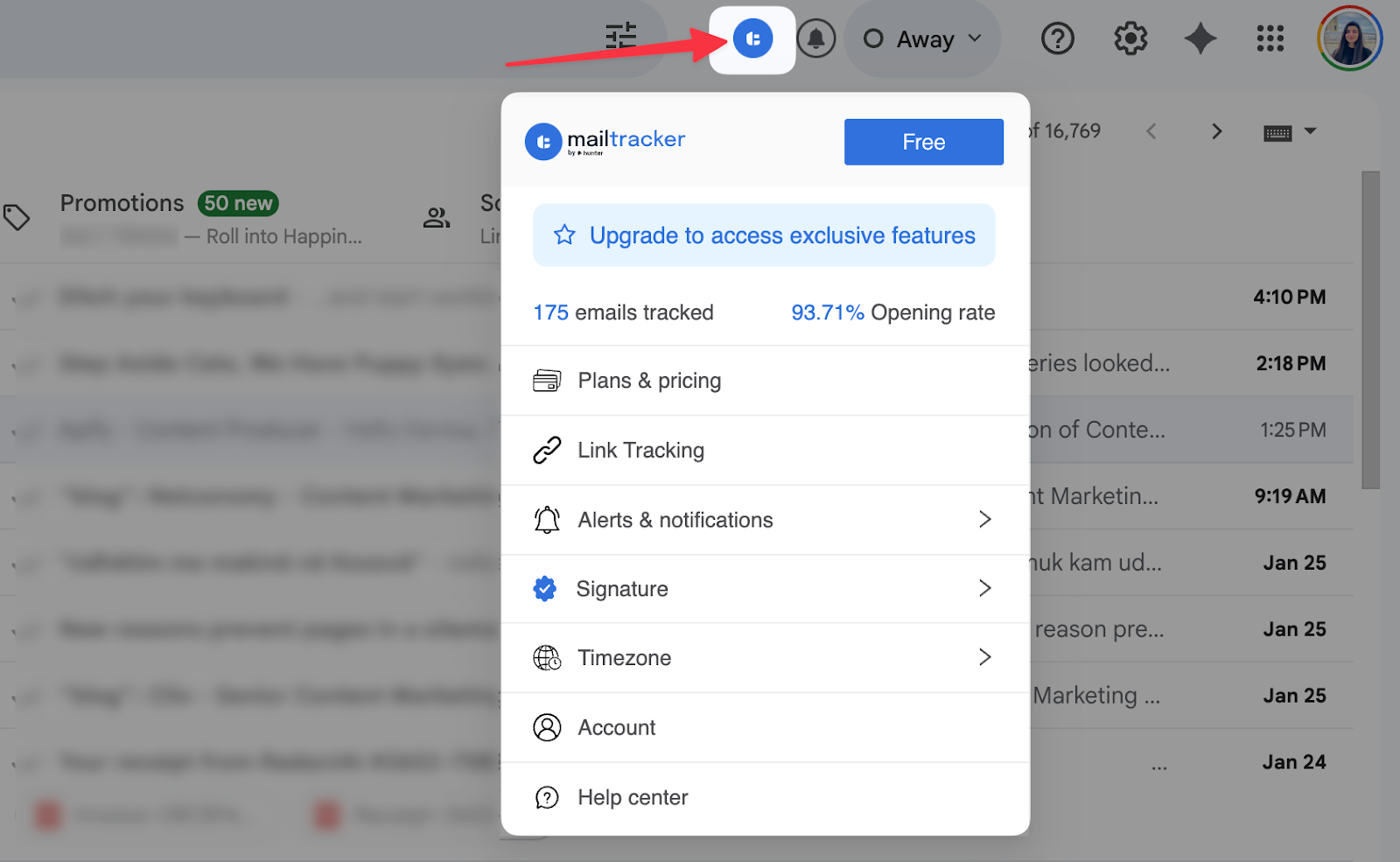
MailTracker helps you see what happens after you send an email so you can take action at the right moment.
You can track opens, re-opens, and track link clicks directly inside Gmail, without changing how you send emails.
The add-on is trusted by 100,000+ users and has a 4.7/5 rating on the Chrome Web Store, which shows how widely it’s used for daily email work.
Once you install MailTracker, it runs in the background and adds tracking signals next to your sent emails.
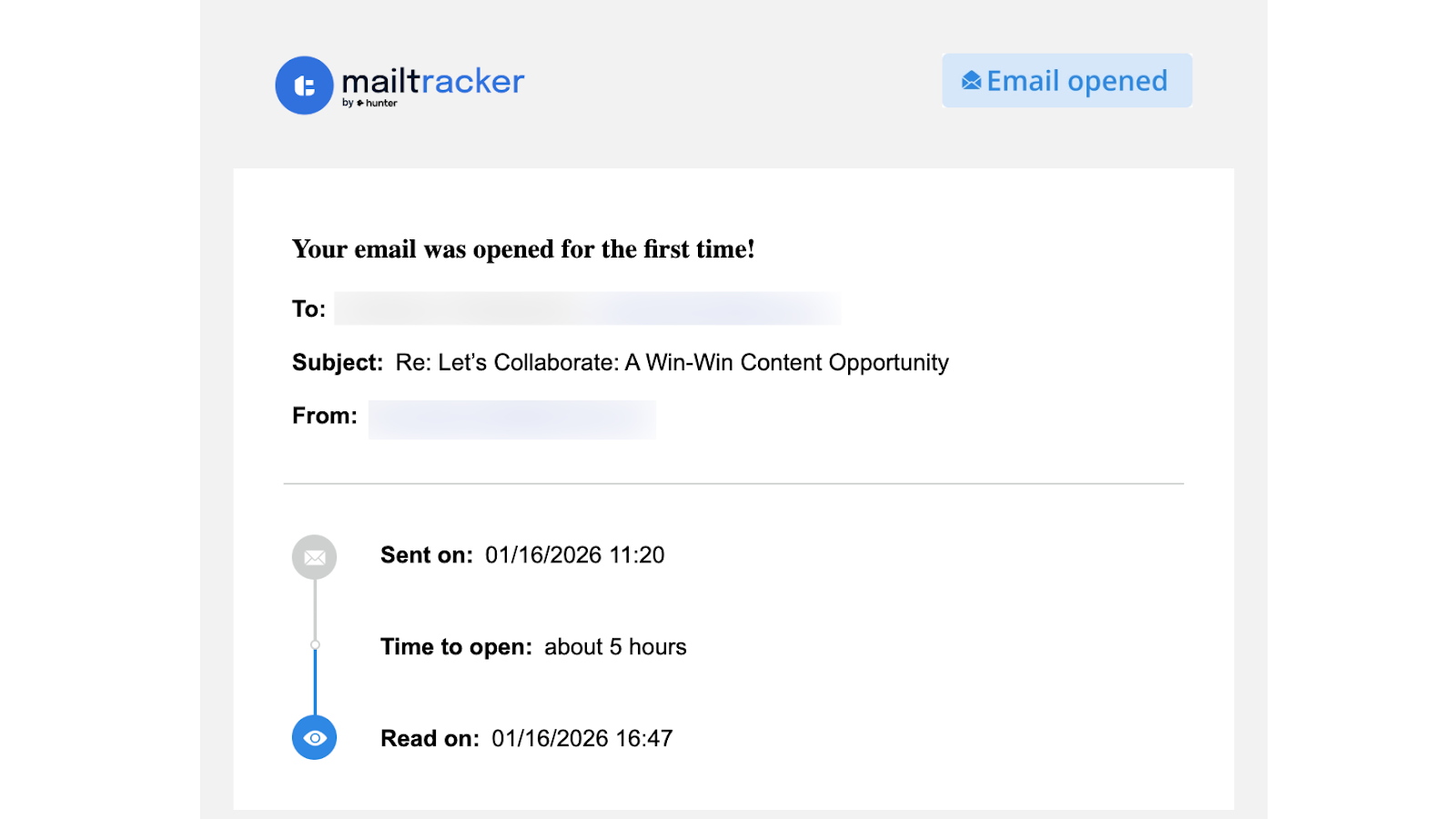
When someone opens your email in Gmail, comes back to it, or clicks a link, you see that activity immediately. These signals help you decide when to follow up, when to wait, and when to move on.
You can use MailTracker when the timing of your emails matters. When you see an open or re-open, you know your message is back on someone’s screen.
When an email stays unopened, you know it’s time to stop chasing and focus on higher-priority conversations. That’s how MailTracker turns Gmail into a decision-making tool, not just an inbox.
Features
MailTracker adds practical tracking signals directly to Gmail:
- See when an email is opened so you know it reached the inbox
- Get notified on first open and re-opens so you can time follow-ups correctly
- Track link clicks to see when someone engages with your content
- Spot emails that were never opened to avoid chasing cold threads
- Send clean emails with no visible tracking signature added
Precios
You get a forever-free plan to track emails in Gmail. Paid plans start at $20/month for unlimited tracking, and you can try the 7-day free trial.
Best for
- Gmail users who rely on follow-ups and timing
- Professionals who send important emails and want visibility
- Anyone who wants clear signals of what happened after sending your emails
2. Grammarly
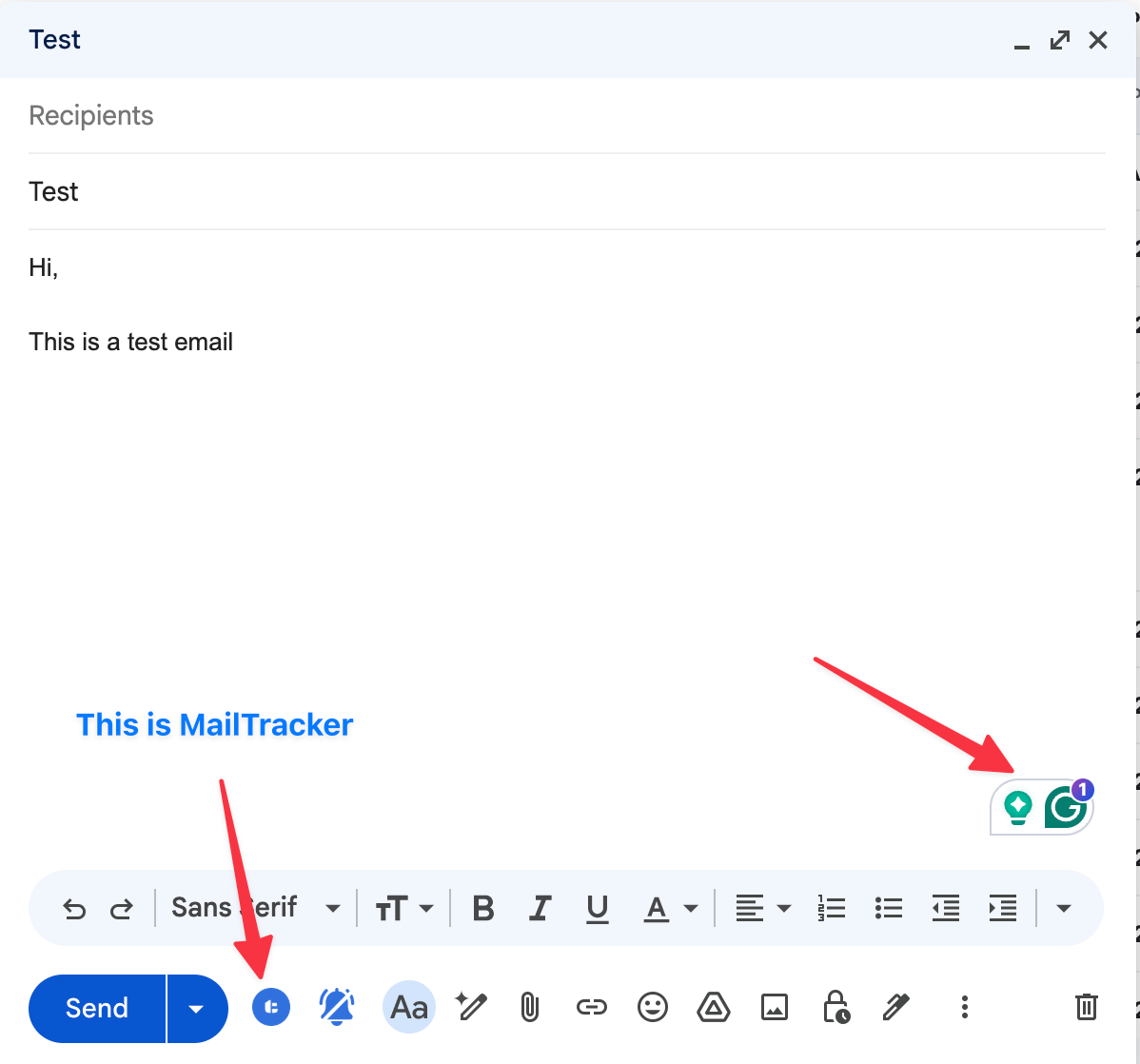
Grammarly helps you write clear, professional emails faster, directly inside Gmail.
As you type, it highlights grammar issues, improves sentence clarity, and suggests better wording in real time, so you spend less time editing and re-reading your messages.
You can use Grammarly when you send emails that need to sound polished without slowing you down. It catches small mistakes, tightens long sentences, and helps you adjust tone.
This makes everyday emails easier to send and easier to read, especially when email is a big part of your daily work.
Features
Grammarly adds real-time writing support inside Gmail, including:
- Grammar and spelling corrections as you type
- Clarity suggestions to make emails easier to read
- Tone suggestions for more professional messages
- Word and sentence improvements without leaving Gmail
Precios
- Free plan available
- Paid plans unlock advanced writing and tone suggestions
Best for
- Writing emails faster with fewer mistakes
- Improving clarity and tone in daily Gmail communication
- Users who send important emails and want them to sound polished
3. Streak
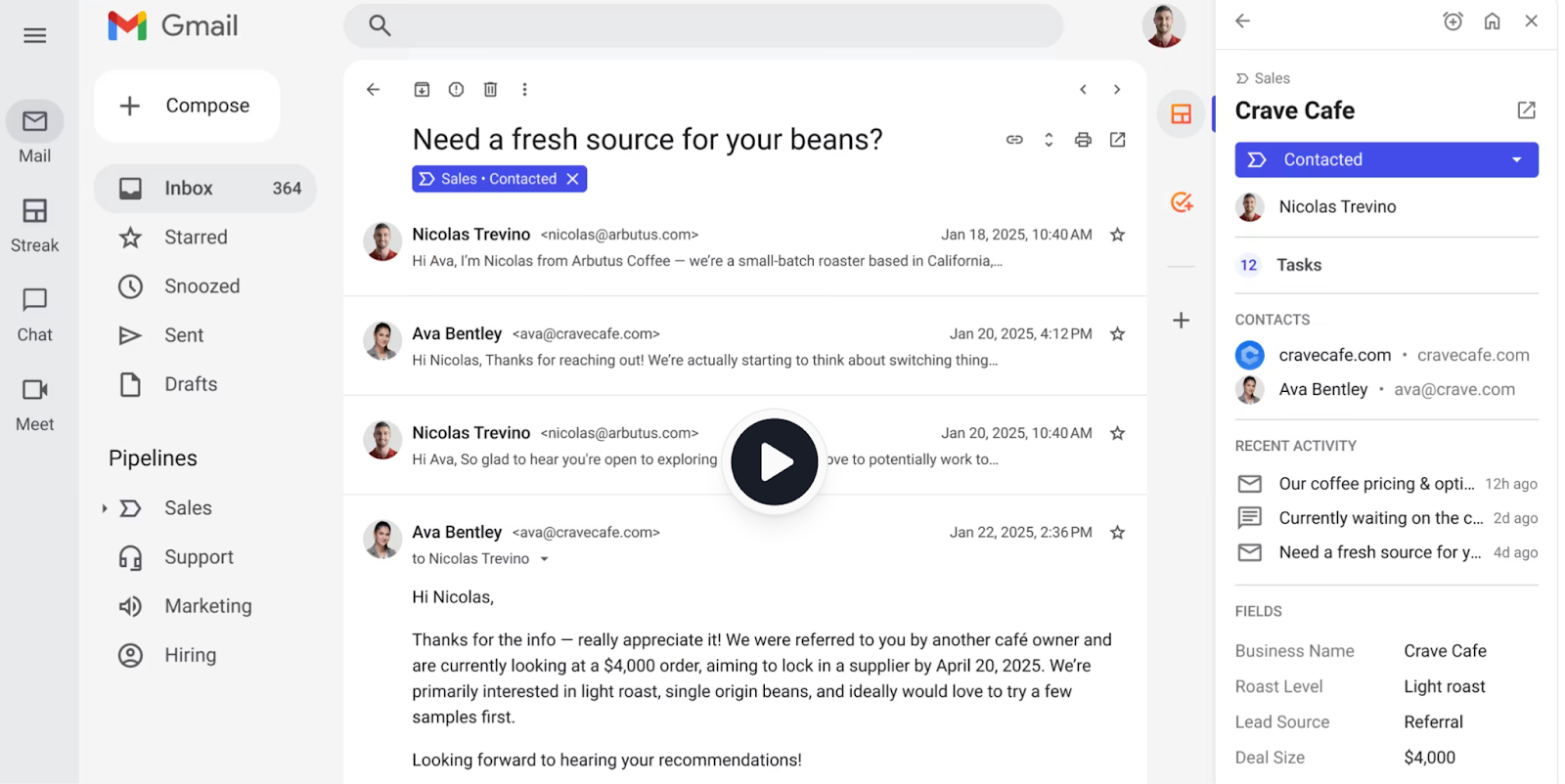
Streak turns Gmail into a CRM, so you can manage relationships, conversations, and follow-ups without leaving your inbox.
It lets you track emails just like MailTracker does, organize threads, and see the full history of a contact directly inside Gmail, which is useful when your inbox doubles as your workflow.
You can use Streak when you manage many ongoing conversations and need structure, not just reminders.
It helps you see who you contacted, what stage each conversation is in, and what needs your attention next.
This makes Streak especially helpful for sales, hiring, partnerships, and any workflow where email is the system of record.
Features
Streak adds lightweight organization tools inside Gmail, including:
- Pipelines to track emails by status (for example: applied, followed up, waiting)
- Notes attached to email threads
- Follow-up reminders so you don’t forget to reply
- Basic email tracking inside Gmail
Precios
- Free plan available
- Paid plans start around $59/user/month
Best for
- Organizing multiple email conversations
- Tracking applications, leads, or ongoing threads
- Gmail users who want structure without complex setups
4. Right Inbox
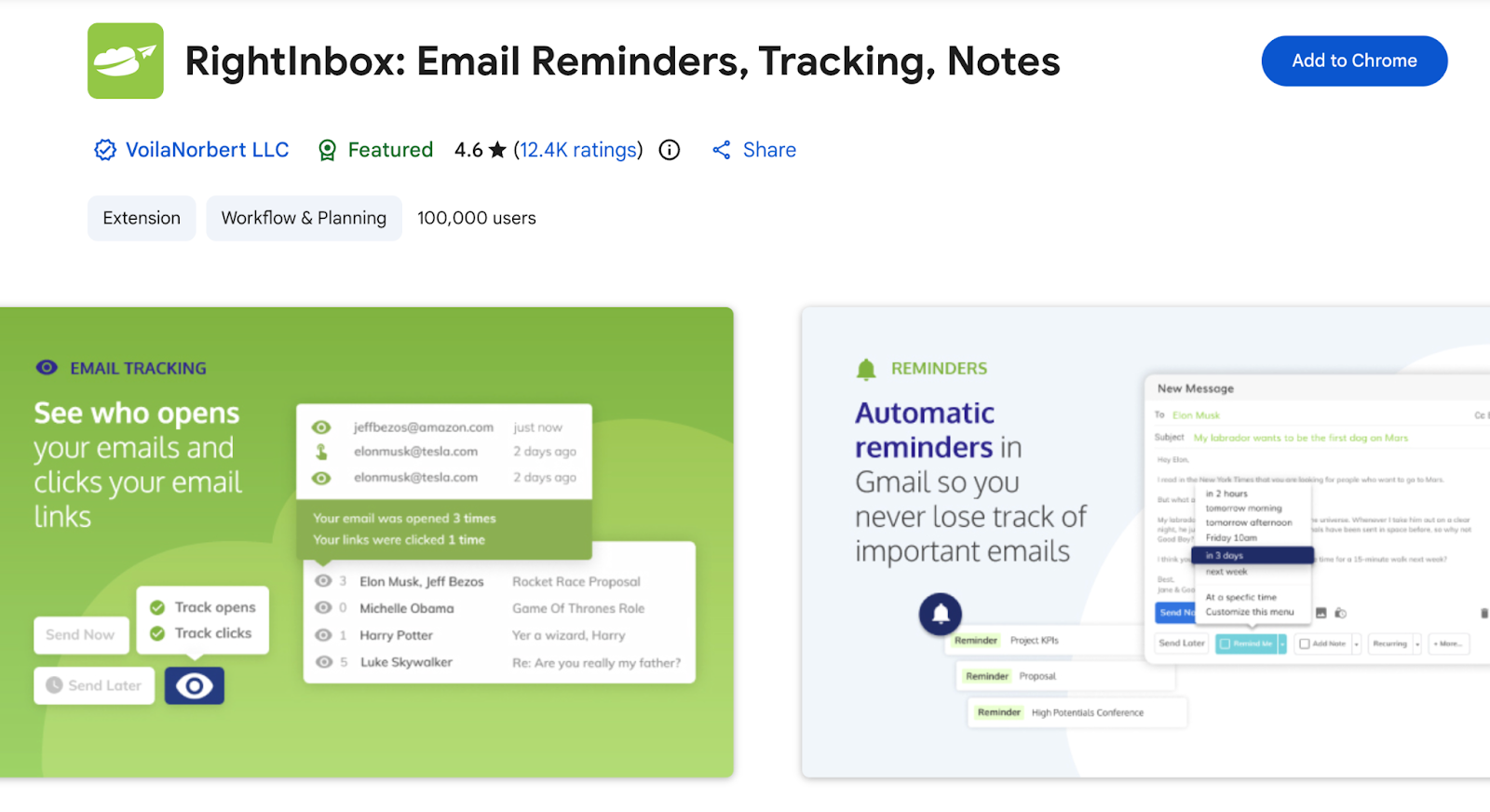
Right Inbox uses the same follow-up-focused approach as MailTracker, but it works through reminders and scheduling rather than activity tracking.
It helps you manage when to follow up by bringing emails back to your inbox if no reply arrives and by letting you choose when messages get sent.
It gives you control over follow-ups through reminders, so you always know when an email needs attention and what to do next, directly inside Gmail.
Features
Right Inbox adds follow-up and scheduling tools directly to Gmail, including:
- Follow-up reminders if you don’t get a reply
- Email scheduling so messages are sent at the right time
- Recurring emails for repeated outreach
- Simple controls inside the Gmail interface
Precios
- Free plan available
- Paid plans start around $9,95/month
Best for
- Remembering to follow up on important emails
- Scheduling emails ahead of time
- Gmail users who want a simple reminder system
5. Boomerang
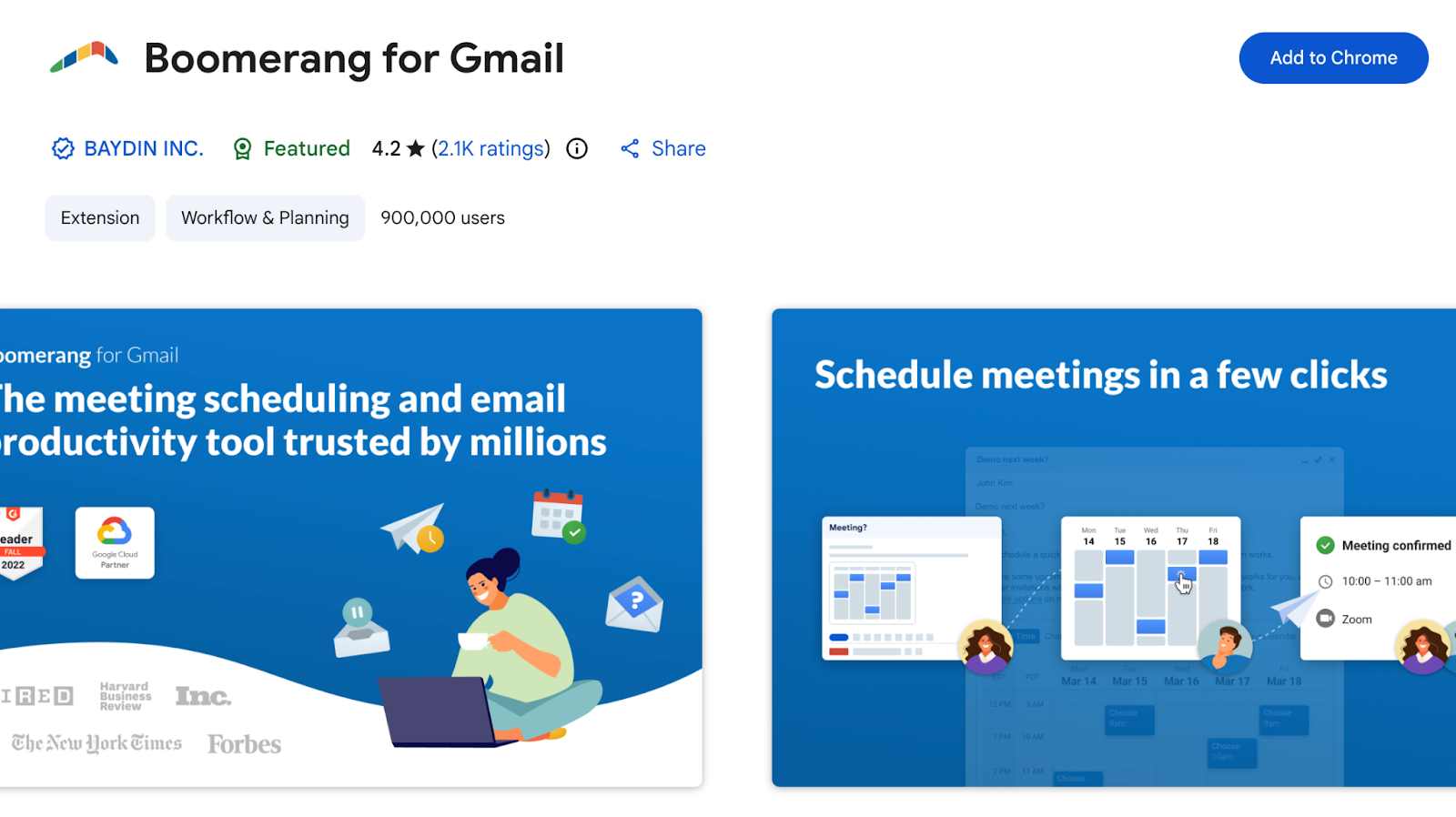
Boomerang helps you control when emails are sent and when they return to your inbox for follow-up.
It allows you to schedule emails to be sent later and resend them if you don't get a response. You can use Boomerang when you want a simple way to handle follow-ups without tracking activity.
It works well for conversations that need a response at a specific time, or when you want to send emails during working hours without being online.
This makes Boomerang useful for keeping your email flow structured and predictable.
Features
Boomerang adds scheduling and reminder controls directly inside Gmail, including:
- Send Later for emails you don’t want to send immediately
- Email reminders that return messages to your inbox if there’s no reply
- Basic scheduling options built into the compose window
- Simple setup that works inside Gmail
Precios
- Free plan available
- Paid plans start around $4,98/month
Best for
- Sending emails at the best times
- Remembering to follow up without manual tracking
- Gmail users who want simple scheduling and reminders
6. Todoist
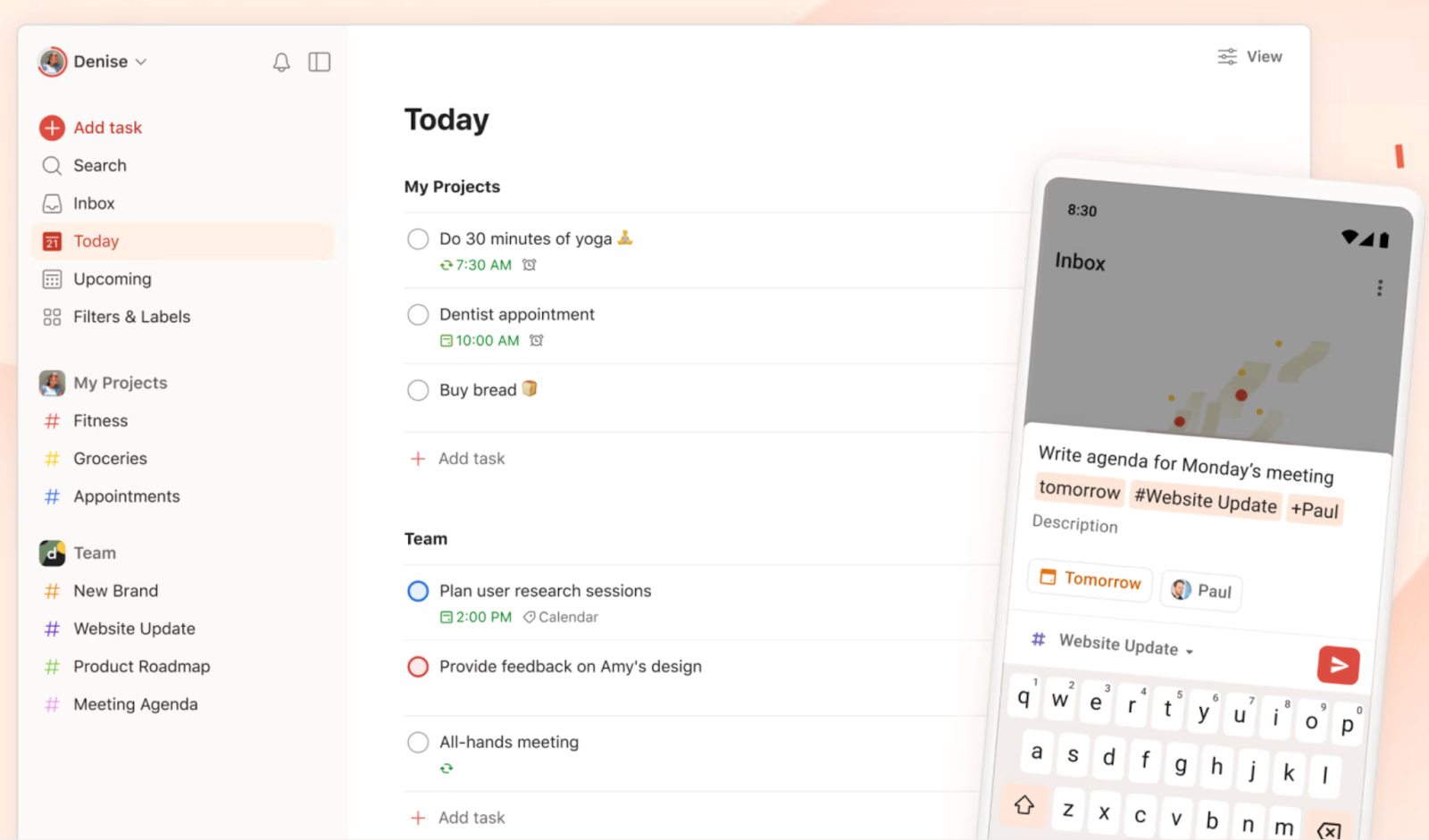
Todoist helps you manage tasks from your inbox by turning emails into to-dos inside Gmail.
When an email requires action, you can create a task from it, add a due date, set a priority, and keep a link back to the original email so you always have the full context.
You can use Todoist when you handle many action items through email and want a clear system to track them.
It helps you capture requests quickly, plan your workload, and follow through on tasks without losing them in long threads or busy inbox days.
This is especially useful for support, operations, project work, and any role where email creates daily to-dos.
Features
Todoist adds task management controls directly inside Gmail, including:
- Turn emails into tasks with one click
- Set due dates and priorities from Gmail
- Link tasks back to the original email
- Keep your inbox cleaner by separating tasks from messages
Precios
- Free plan available
- Paid plans unlock advanced task and productivity features
Best for
- Turning emails into actionable tasks
- Managing to-dos without cluttering your inbox
- Gmail users who prefer task lists over email reminders
7. Google Keep
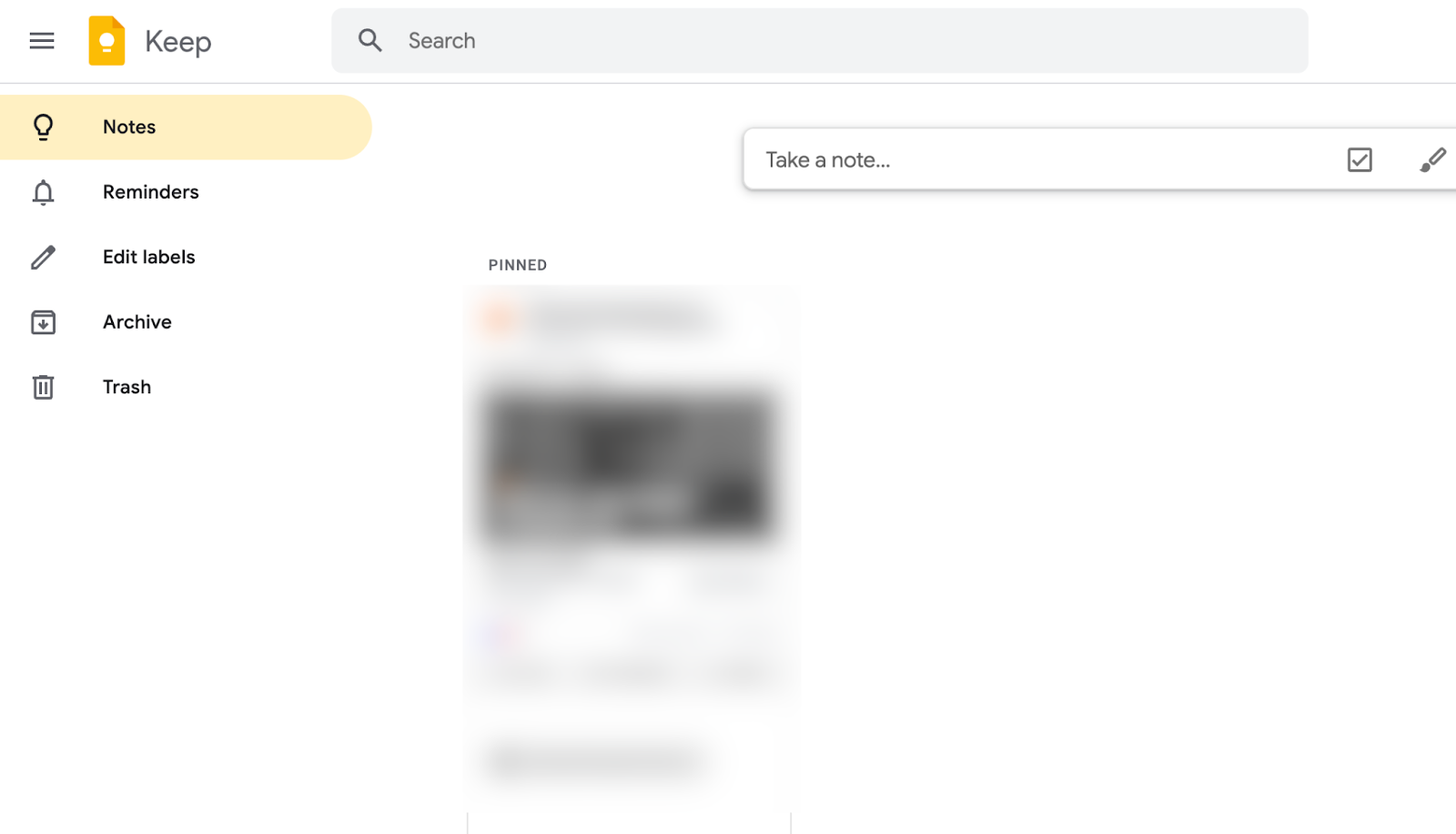
Google Keep lets you save notes, checklists, and reminders directly from Gmail and stores them inside your Google Drive.
When an email contains information you want to keep, you can save it as a note and access it later from Gmail, Drive, your browser or your phone.
You can use Google Keep when emails include details you want to come back to later, such as instructions, ideas, or quick lists.
It helps you save information instantly and keep it organized in the same Google ecosystem you already use, so important details stay easy to find when you need them.
Features
Google Keep adds simple note-taking tools inside Gmail, including:
- Save parts of an email as a note
- Create checklists and quick reminders
- Access notes from Gmail, browser, or mobile
- Sync notes automatically across devices
Precios
- Free to use
Best for
- Saving important details from emails
- Keeping notes without replying or forwarding
- Gmail users who want a lightweight note system
8. Slack
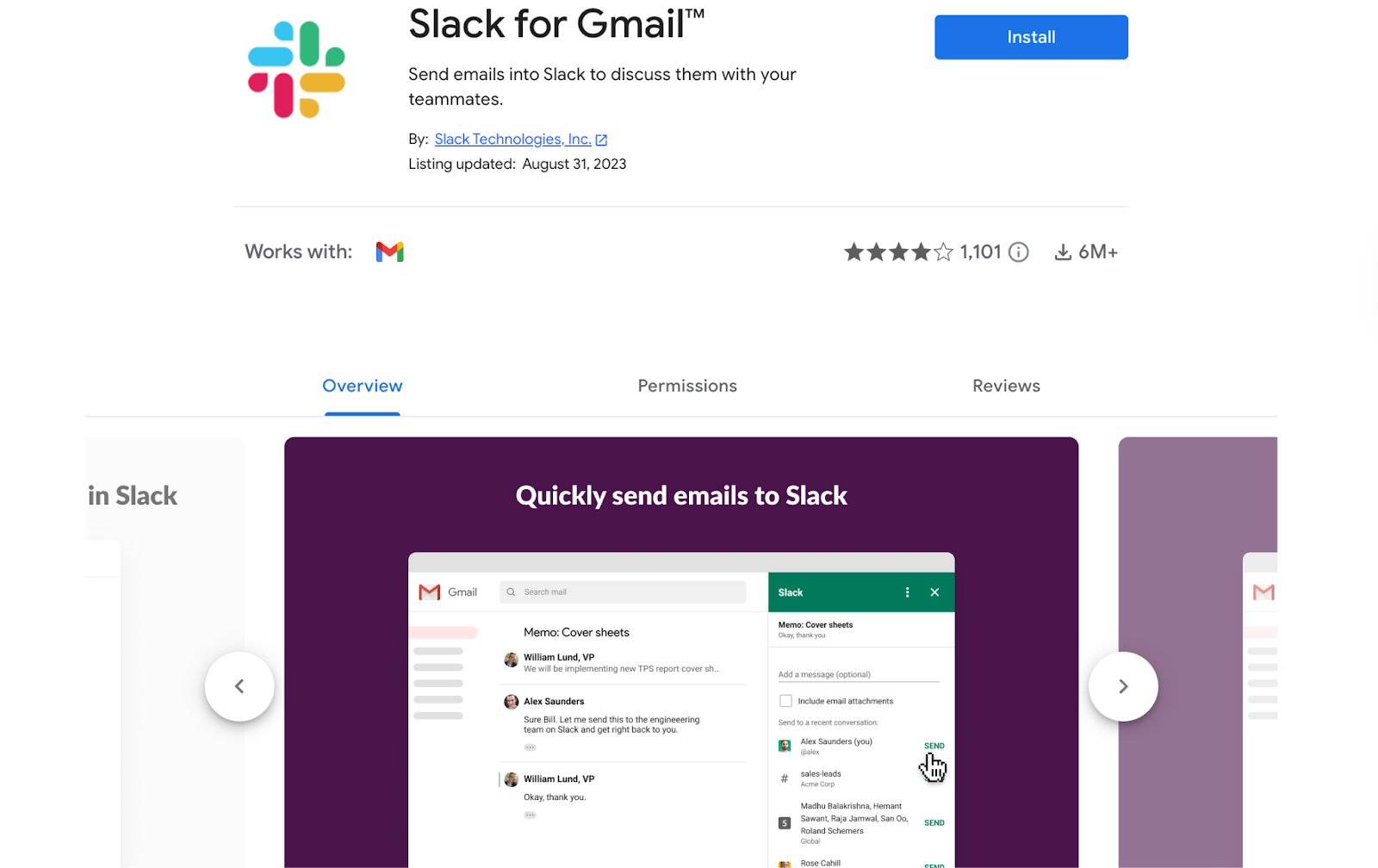
Slack is a workplace communication tool used by millions of teams to manage daily work, discussions, and decisions.
Its Gmail add-on lets you share emails directly into Slack channels or direct messages, so important information moves from your inbox to the place where your team actually works.
You can use the Slack Gmail add-on when an email requires team input or visibility.
It helps you turn emails into shared conversations, keep context in one place, and move discussions out of long email threads and into Slack, where decisions are easier to track and act on.
Features
The Slack Gmail add-on lets you:
- Send emails to Slack channels or DMs
- Share important messages with teammates instantly
- Add context or comments when posting an email
- Keep decisions and discussions out of your inbox
Precios
- Free plan available
- Paid plans unlock advanced collaboration features
Best for
- Teams working together from Gmail
- Sharing important emails quickly
- Reducing internal email clutter
9. Zoom
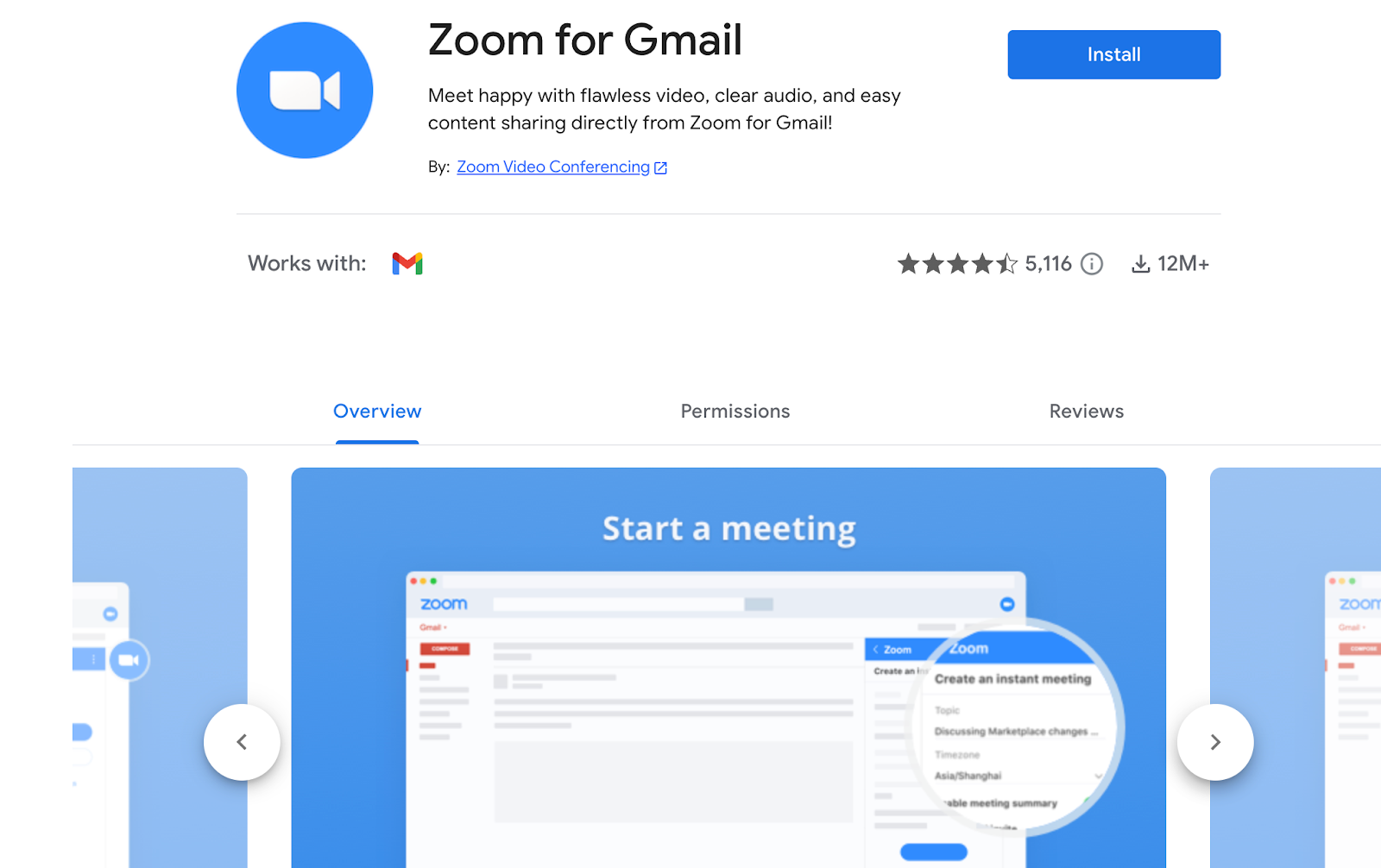
Zoom is one of the most widely used video meeting tools, and its Gmail add-on lets you schedule meetings directly from your inbox.
When an email conversation needs a call, you can create a Zoom meeting, insert the link, and send it without leaving Gmail.
You can use the Zoom add-on when emails turn into meetings and you want to move fast. It helps you reduce back-and-forth, keep meeting details connected to the email thread, and set up calls in a few clicks.
Features
The Zoom Gmail add-on allows you to:
- Create Zoom meetings directly from Gmail
- Insert meeting links into email replies
- Schedule meetings without leaving your inbox
- Keep meeting details connected to the email thread
Precios
- Free plan available
- Paid plans unlock longer meetings and advanced features
Best for
- Scheduling meetings from email conversations
- Reducing back-and-forth when setting up calls
- Gmail users who rely on Zoom for meetings
10. Zapier
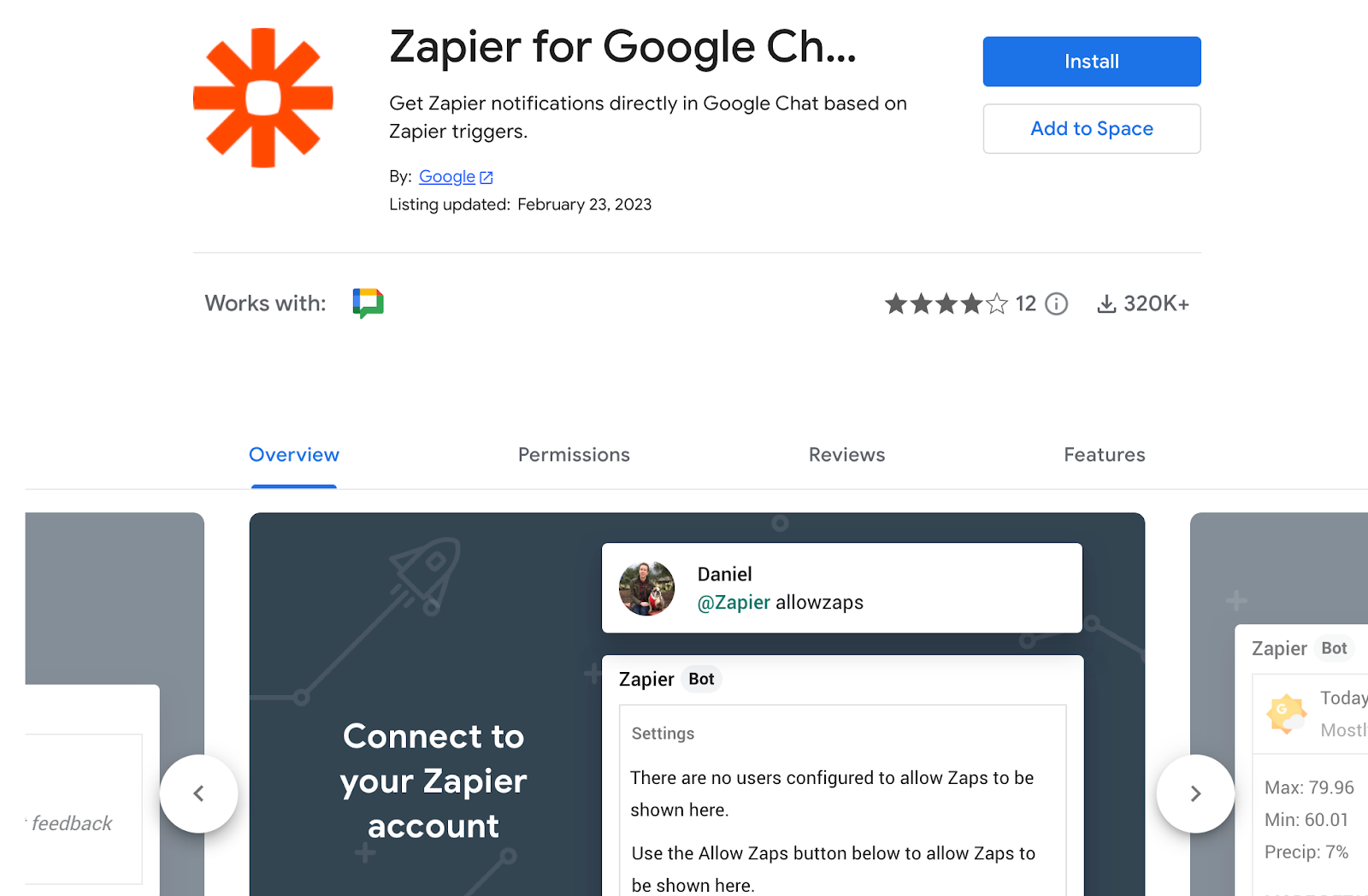
Zapier is known for automating work between apps, and its Gmail add-on lets you connect email activity to the rest of your workflow.
You can set up actions from Gmail, such as creating tasks, saving files, or updating tools you already use, based on incoming or outgoing emails.
It helps you automate repetitive steps, reduce manual work, and keep Gmail connected to your productivity stack, so email becomes part of a larger, automated workflow instead of a manual process.
Features
Zapier connects Gmail with thousands of tools and lets you:
- Automatically save email attachments to cloud storage
- Create tasks or notes when specific emails arrive
- Add contacts or leads based on incoming emails
- Trigger actions in other apps from Gmail activity
Precios
- Free plan available
- Paid plans unlock multi-step automations and higher limits
Best for
- Automating repetitive Gmail tasks
- Connecting Gmail with other productivity tools
- Users who want fewer manual steps in their email workflow
Turn Gmail Into a Productivity Tool With MailTracker
MailTracker gives you clear signals inside Gmail: opens, re-opens, link clicks, and unopened emails.
So you can follow up with better timing. You see what’s happening after you send an email and use that information to prioritize conversations that actually matter.
If you want your inbox to work for you (not the other way around), you can start for free.

