


When you’re applying for jobs, Gmail isn’t just an inbox.
It’s where you send applications, follow up with recruiters, and wait for replies that can change your career.
The right Gmail tools help you:
- Know when to follow up
- Avoid sounding pushy or desperate
- Stay organized while applying to multiple roles
- Send clearer, more professional emails
Below are the 5 best Gmail tools for job seekers, starting with MailTracker, which many job seekers already use to improve reply rates.
TL;DR: What Are the 5 Best Gmail Tools for Job Seekers?
1. MailTracker – Shows when recruiters open your application emails and click your portfolio links, so you know when to follow up or move on.
2. MailSuite – Tells you whether a job application email was opened, helping you decide if a follow-up is worth sending.
3. Streak – Helps you track job applications, recruiters, and follow-ups directly inside Gmail without using spreadsheets.
4. Right Inbox – Reminds you to follow up on job applications and lets you schedule emails so nothing gets missed.
5. Grammarly – Helps you write clearer, more professional job applications and follow-up emails before sending them.
5 Best Gmail Tools for Job Seekers
1. MailTracker
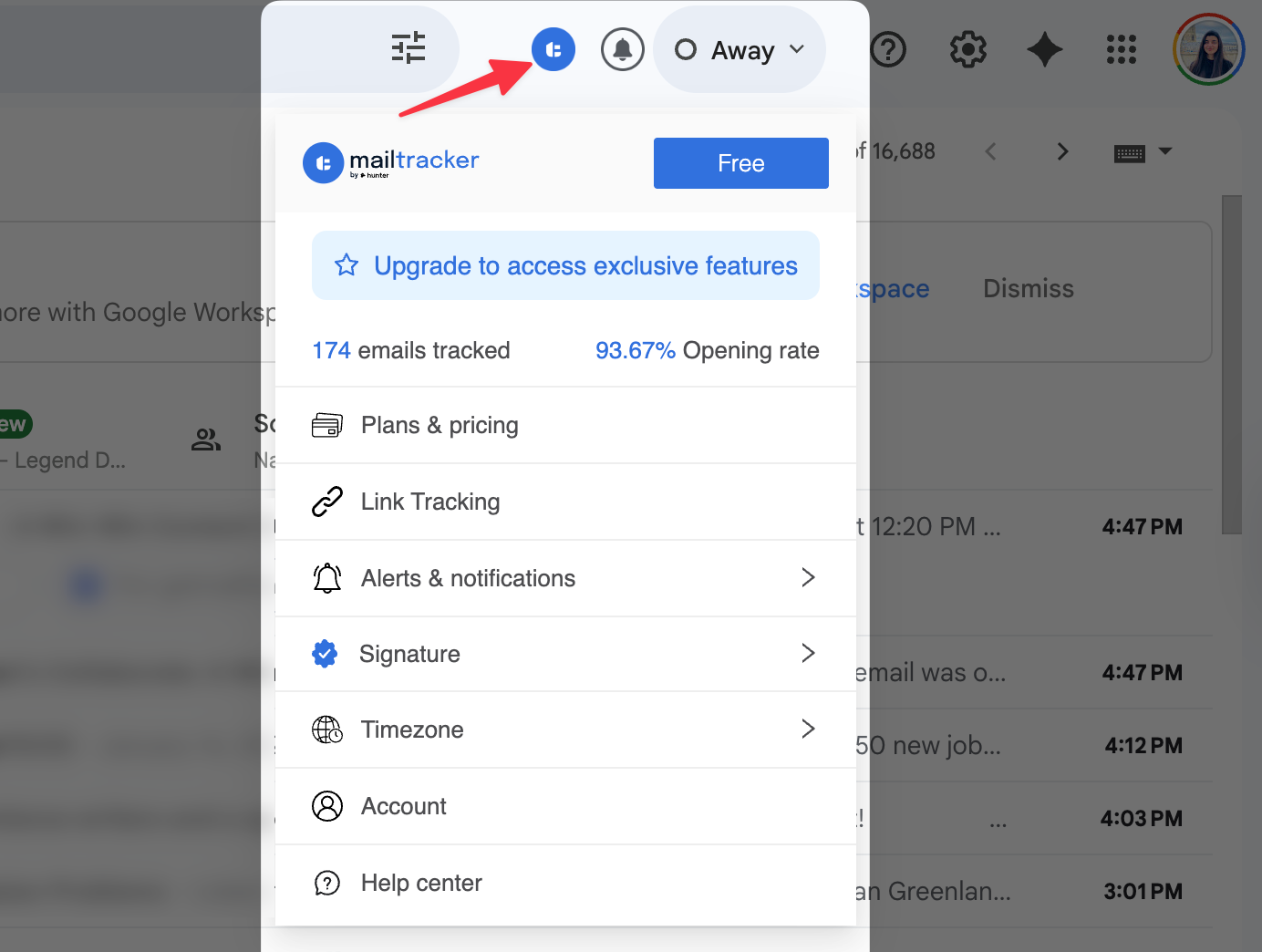
MailTracker is used by 100,000+ users, many of whom are active job seekers sending applications, portfolios, and follow-ups every week.
It’s rated 4.7/5 ⭐ mainly because it gives clarity during one of the most stressful parts of a job search: waiting.
When you’re applying for jobs, no immediate response doesn’t automatically mean rejection.
Very often, it means your email hasn’t been opened yet. MailTracker shows you what’s actually happening after you hit send.
It also tracks emails without adding any visible signature or logo, so recruiters never know you’re using a tracking tool. Your applications stay clean and professional.
How MailTracker helps when you’re looking for a job
1. With Mailtracker, you can see when a recruiter opens your job application, internship application, or job referral email
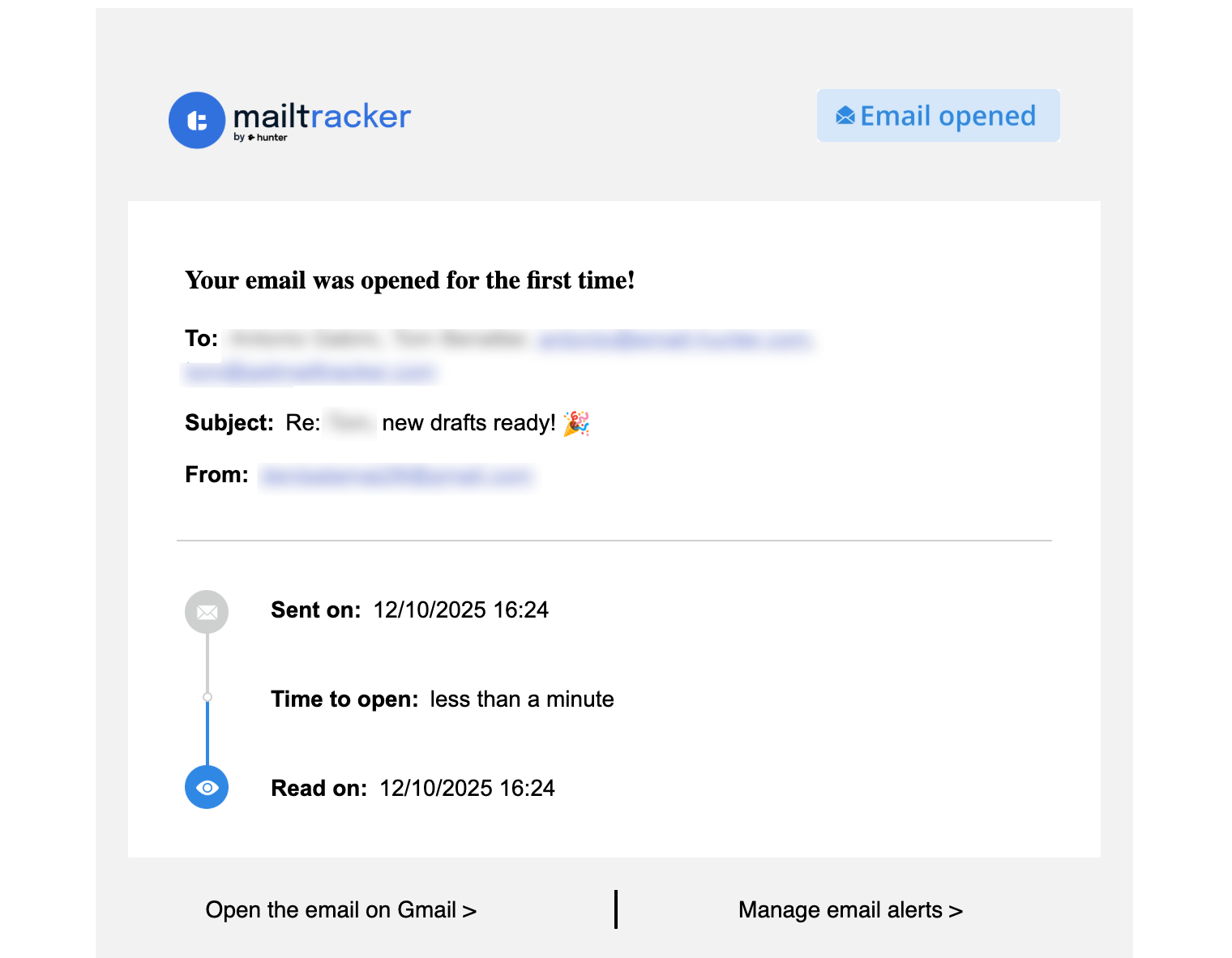
2. You know the right moment to send a follow-up after a delayed response, based on real email opens
3. You can avoid sending a follow-up email when your application hasn’t been opened yet
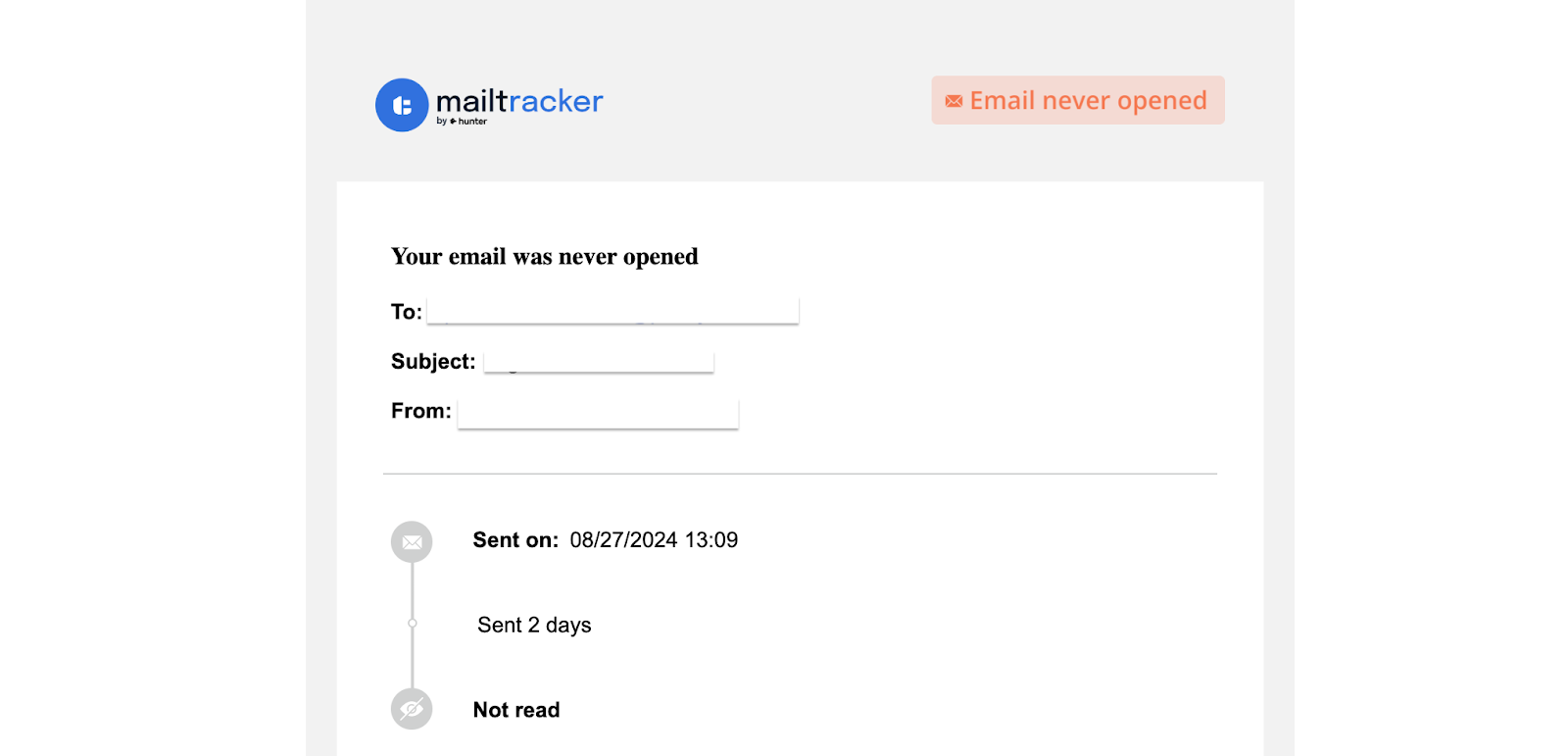
4. Mailtracker helps you spot a strong interest when a recruiter opens your email multiple times
5. You can track clicks on important links inside your emails, such as portfolios, case studies, or resumes. You can easily do that with MailTracker, like below:

6. You can see whether a recruiter actually viewed your work before replying or scheduling an interview
7. You decide whether it’s worth sending a deadline extension request or moving on
This approach has helped many job seekers follow up with more confidence and better timing. One real example is shared in this job interview case study.
Precios
- Free plan available
- Paid plans unlock advanced tracking features
2. Streak
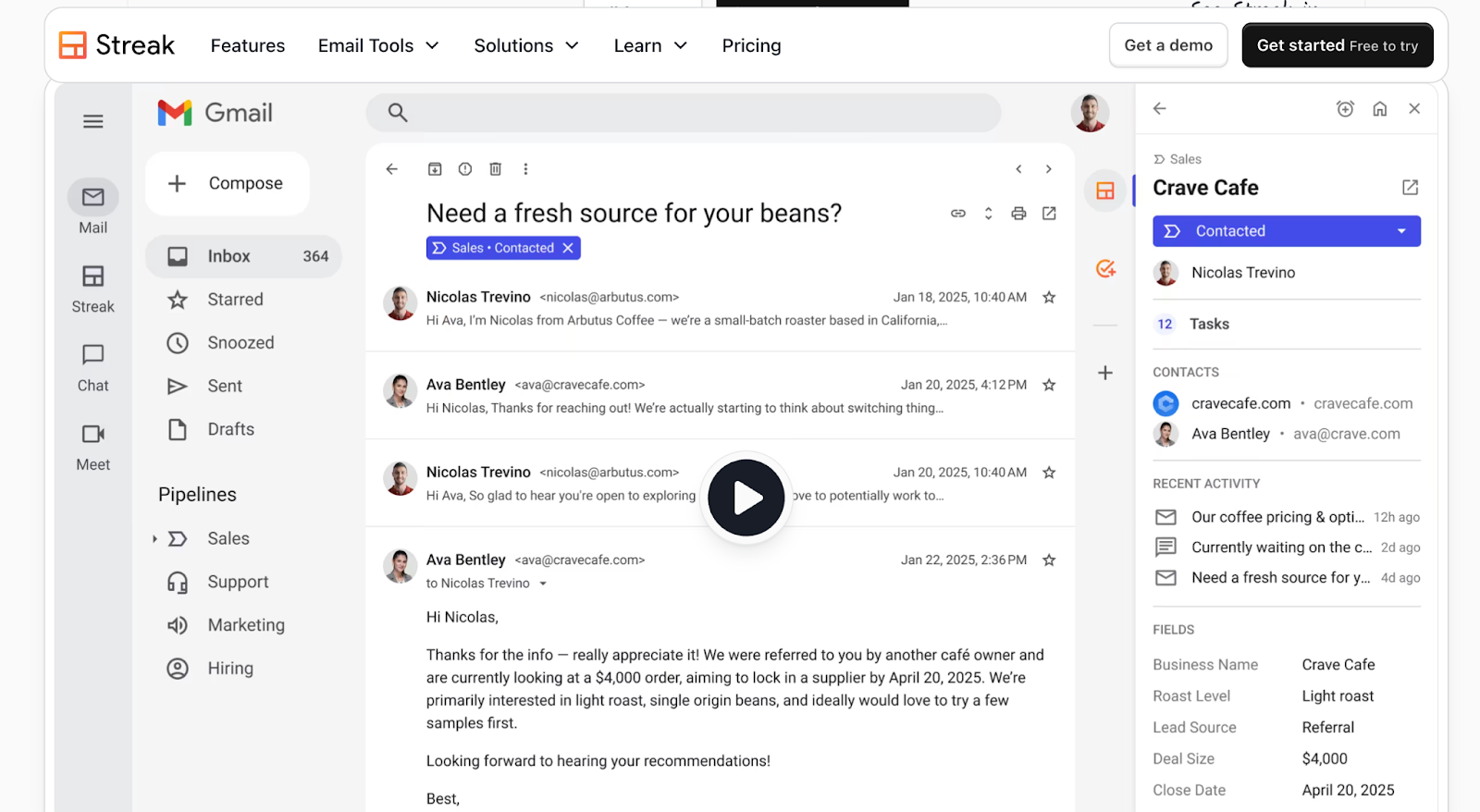
Streak turns Gmail into a lightweight system for tracking job applications.
It’s useful for job seekers applying to many roles who want to keep everything organized without relying on spreadsheets.
How Streak helps when you’re looking for a job
- You can organize job applications, internships, and referrals by role or company
- How Streak tracks conversations with recruiters, HR managers, and hiring teams in one place
- It lets you add notes for each stage, such as “sent follow-up,” “waiting after interview,” or “offer received”
- The tool helps you keep track of who you’ve emailed about a job offer or salary discussion
- You can keep all job-related emails and follow-ups inside Gmail without spreadsheets
Contras
- Open tracking is basic
- Can feel manual if you’re applying to many roles
Precios
- Free plan available
- Paid plans start around $15/month
3. Right Inbox
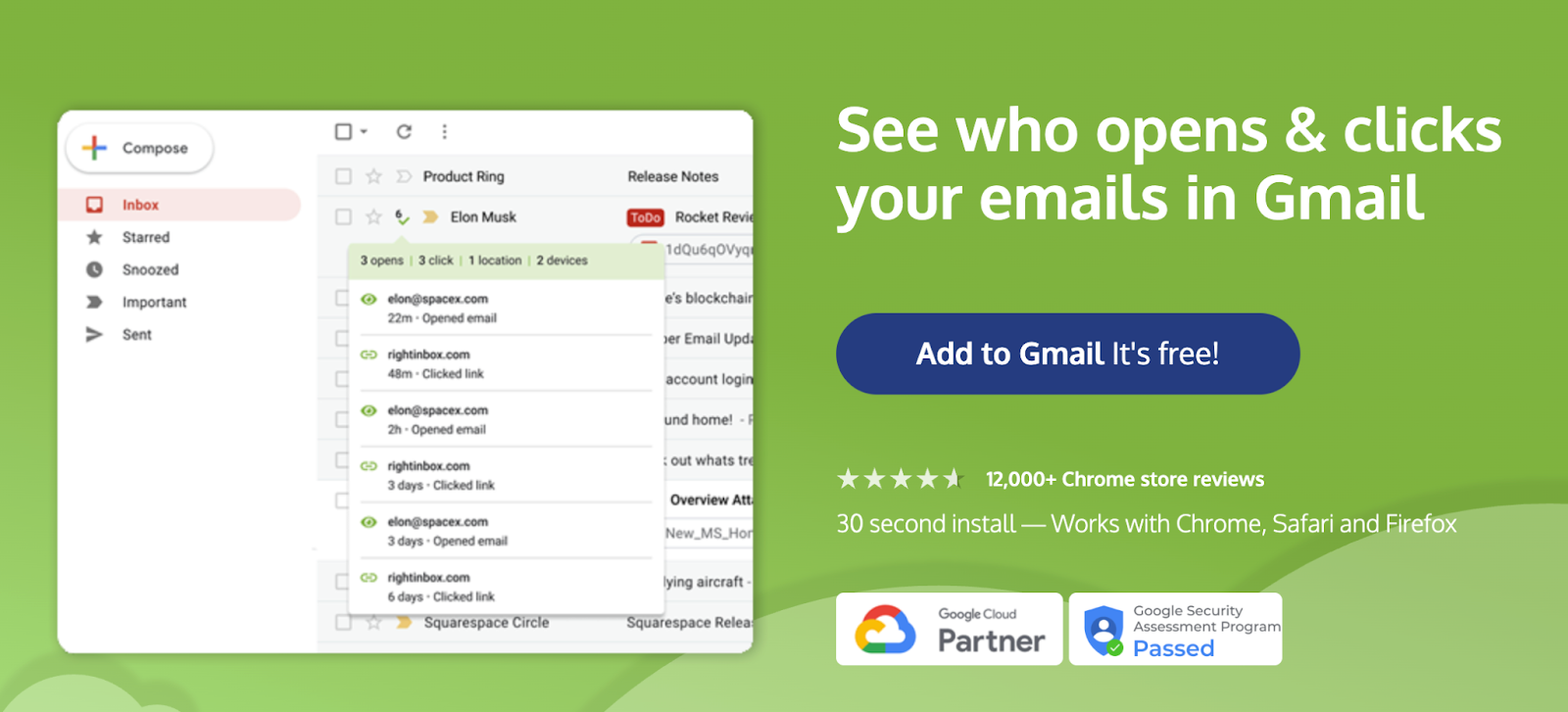
Right Inbox focuses on reminders and scheduling, which helps job seekers stay consistent with follow-ups.
It doesn’t track opens, but it makes sure important applications don’t get forgotten.
How Right Inbox helps when you’re looking for a job
- Reminds you to follow up on job applications if a recruiter hasn’t replied
- Helps you schedule follow-up emails after interviews or delayed responses
- Useful for scheduling emails like interview follow-ups or deadline extension requests
- Prevents forgetting important replies during active job applications
- Keeps your job search follow-ups consistent without manual tracking
Contras
- No email open or link tracking
- Limited insights into recruiter engagement
Precios
- Free plan available
- Paid plans start around $9.95/month
4. MailSuite
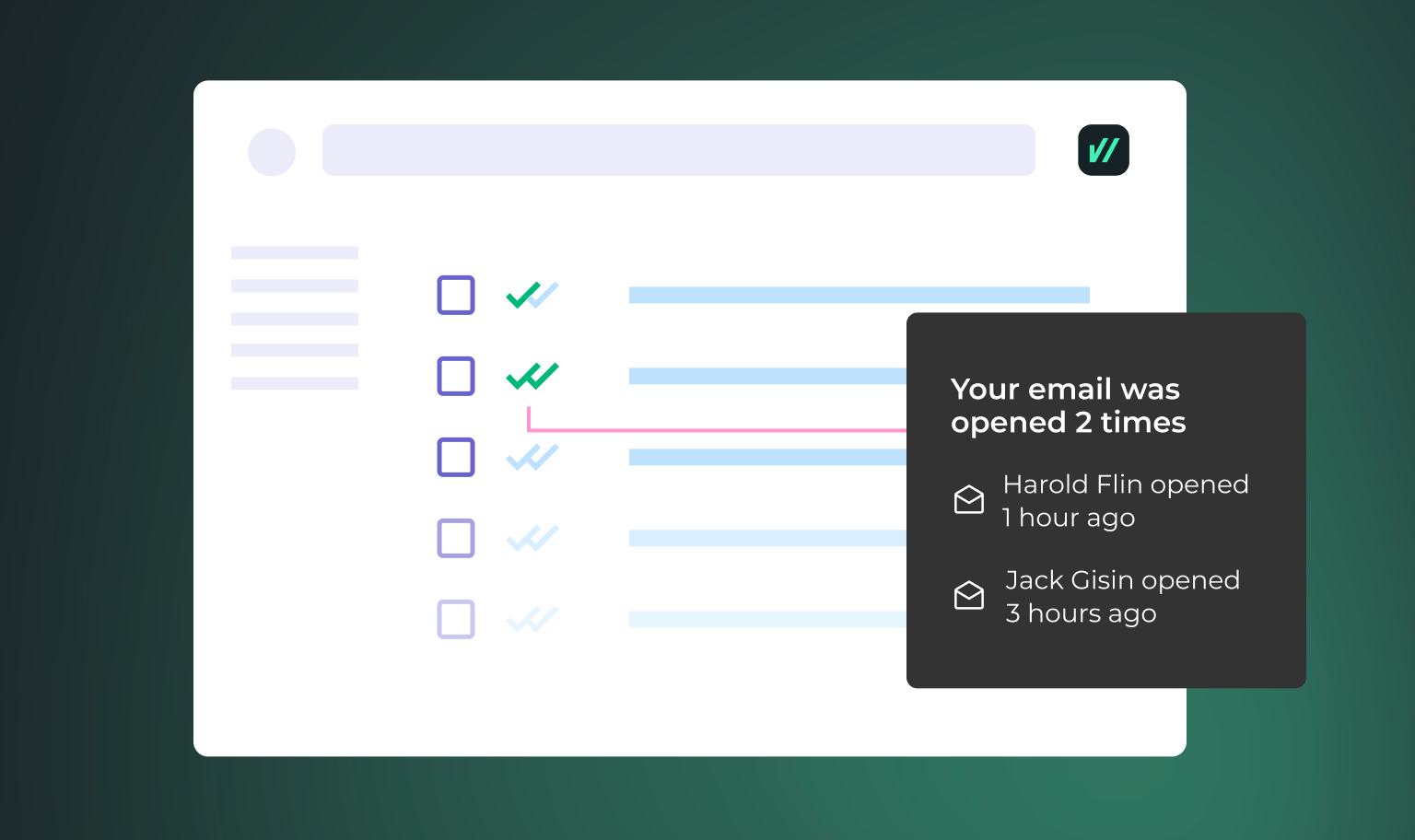
MailSuite is a simple Gmail extension that lets job seekers know whether their application email was opened.
It’s a good fit if you want a quick signal before deciding whether to follow up, without needing detailed analytics or extra tools.
How MailSuite helps when you’re looking for a job
- It confirms whether a recruiter opened your job application or internship email
- The tool helps you decide if sending a follow-up email is necessary
- You can reduce uncertainty before sending another message to HR or a hiring manager
- MaiSuite is useful for deciding whether to resend an application or move on
- It works well for simple tracking when applied to multiple roles
Contras
- Adds a visible signature in the free plan
- Limited insights beyond basic open tracking
Precios
- Free plan available
- Paid plans remove branding
5. Grammarly
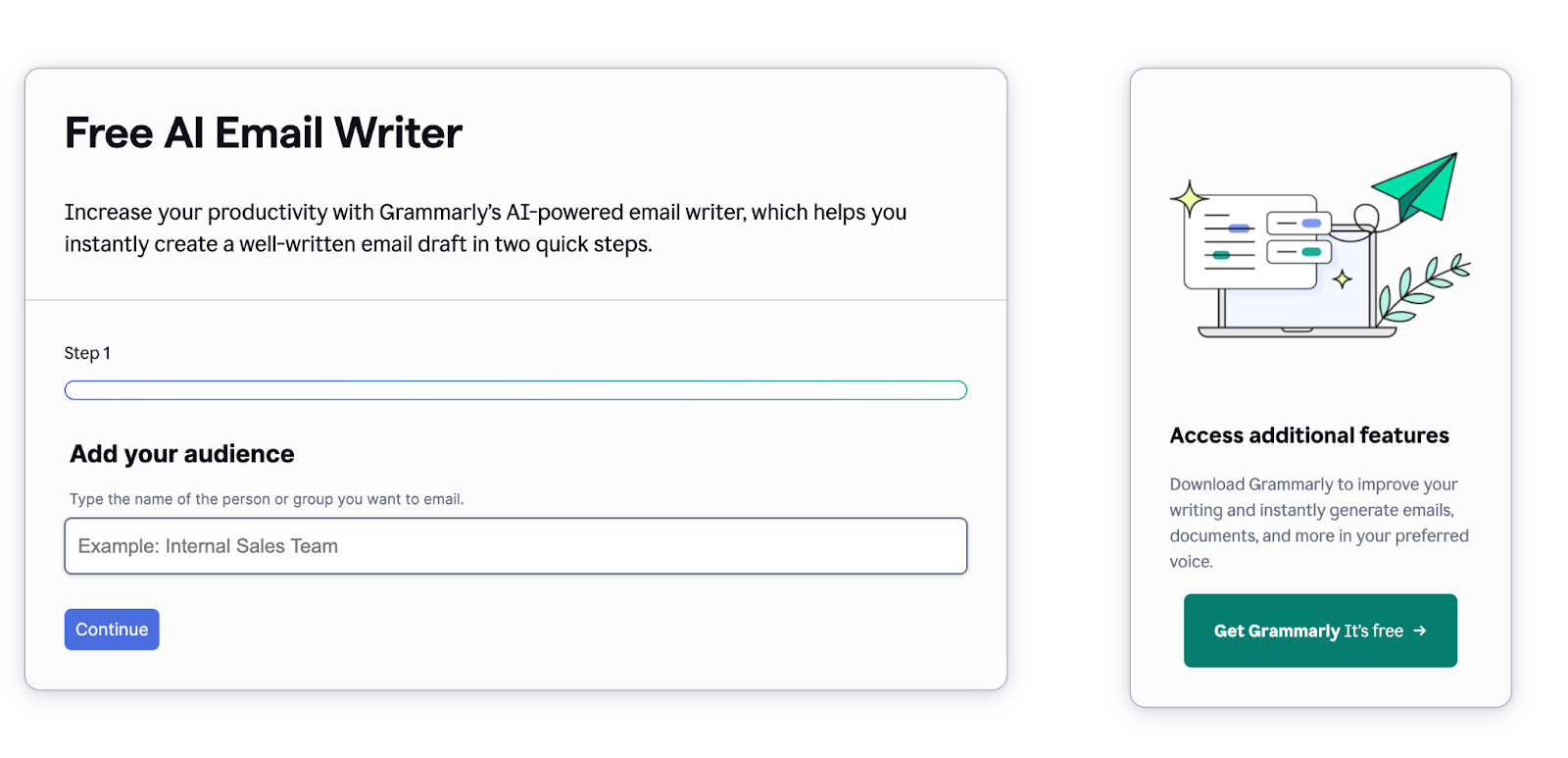
Grammarly helps job seekers send clearer, more professional emails.
It doesn’t track emails, but it helps make sure your application and follow-ups sound confident and polished before you hit send.
How Grammarly helps when you’re looking for a job
- The app improves clarity in job applications and internship emails
- It helps you write professional emails to HR about job offers
- You can refine tone when writing acceptance emails, rejection responses, or salary negotiation emails
- Grammarly reduces mistakes in sensitive emails like declining a job interview
- It ensures your follow-ups sound polite, confident, and professional
Contras
- No follow-up or reminder features
Precios
- Free plan available
- Paid plans start around $12/month
Track Your Job Applications for Free With MailTracker
When you’re applying for jobs, knowing what happens after you send an email matters.
MailTracker lets you see when recruiters open your applications and click your portfolio links, without adding any visible tracking to your emails.
If you’re actively applying and want a clearer way to manage follow-ups, you can start for free.

