


Email analytics tools help you understand what happens after you hit “Send.”
From tracking open rates to seeing when someone revisits an email or clicks a link, these tools give you clear signals about interest and engagement.
In this guide, we break down the 6 best email analytics tools in 2026, explaining what each tool does, its key features, limitations, pricing, and who it’s best for.
So if you’re sending job applications, sales emails, or marketing campaigns, these tools help you follow up at the right time and improve your chances of getting a reply.
TL;DR: What Are the 6 Best Email Analytics Tools?
1. MailTracker – A simple Gmail-based email analytics tool that tracks clicks, open rates, and follow-up timing in real time.
2. HubSpot – A CRM-driven platform that connects email opens and clicks to contacts, deals, and sales pipelines.
3. Mailchimp – A campaign-focused email analytics tool for tracking open rates, clicks, and audience engagement in newsletters.
4. Yesware – A sales email analytics tool that tracks opens, clicks, and attachment views across outbound outreach.
5. Streak – A lightweight Gmail CRM that adds basic email open tracking and conversation-level analytics.
6. Mixpanel – A product analytics tool used to measure user behavior and conversions triggered by email clicks.
6 Best Email Analytics Tools in 2026
1. MailTracker
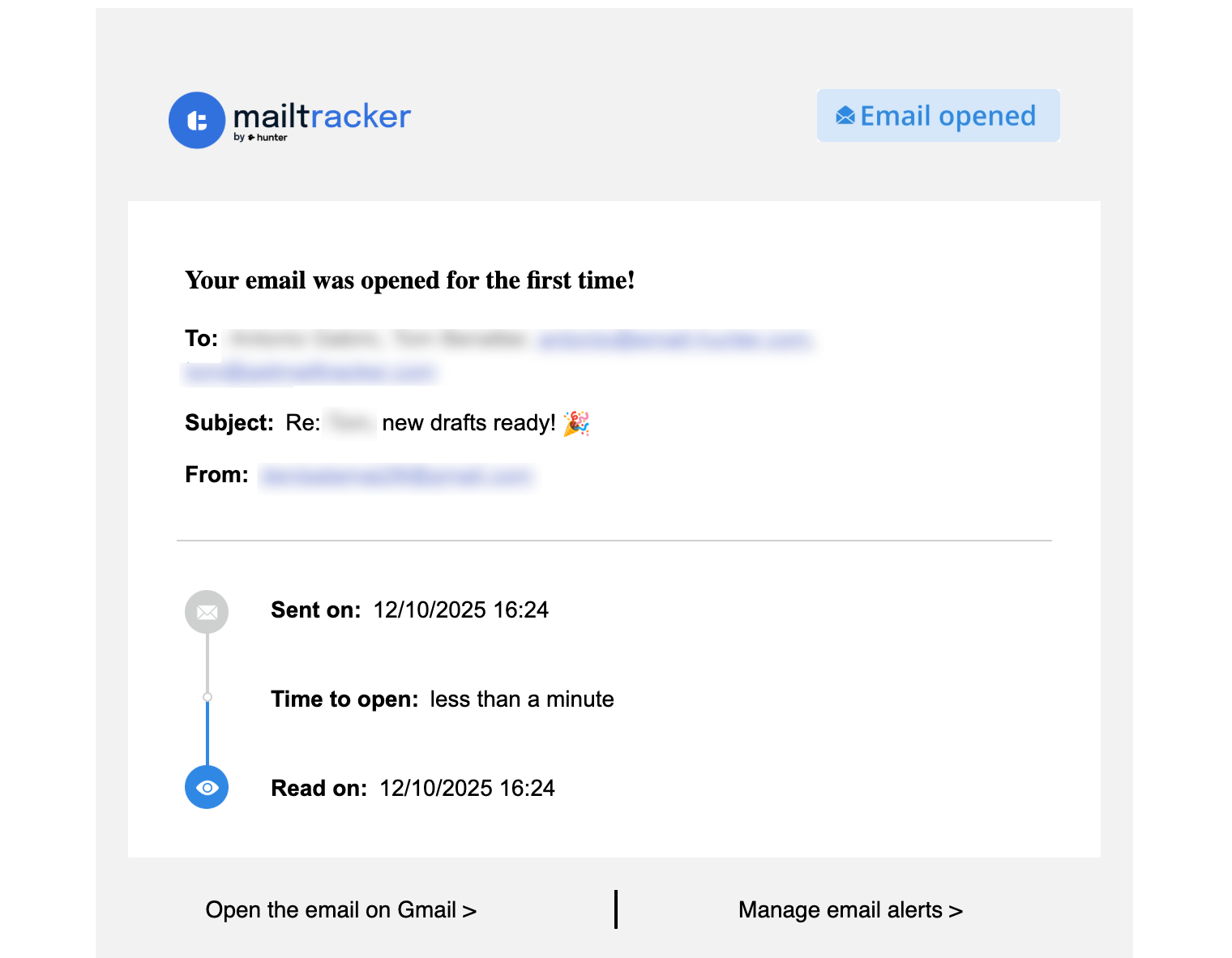
MailTracker is an email open tool for Gmail that helps you understand how recipients engage with your emails.
It works as a Chrome extension, so everything happens directly inside your Gmail inbox.
It’s used by job seekers, freelancers, and sales teams who rely on email replies to move forward, whether that’s following up on job applications, proposals, or sales conversations.
MailTracker tracks key engagement signals like email opens, re-opens, and link clicks, giving you clear insight into when someone reads your email. This makes it easier to follow up with the right timing and context.
MailTracker is trusted by 100,000+ users and has a 4.7 ⭐ rating on the Chrome Web Store, which reflects its simplicity and reliability for everyday email tracking.

Características principales
1. Real-time email tracking: You can see when an email is opened and how many times it’s viewed, helping you follow up at the right moment.
2. Link click tracking: You get notified when a recipient clicks a link inside your email, adding extra context to their level of interest.
3. Follow-up reminders: You can automatically get reminders when: An email is opened for the first time, an email is reopened after 48 hours and an email hasn’t been opened after 48 hours.
4. Open rate analytics: The tool lets you track your overall open rate across sent emails to understand how your email subject lines and messaging perform over time.
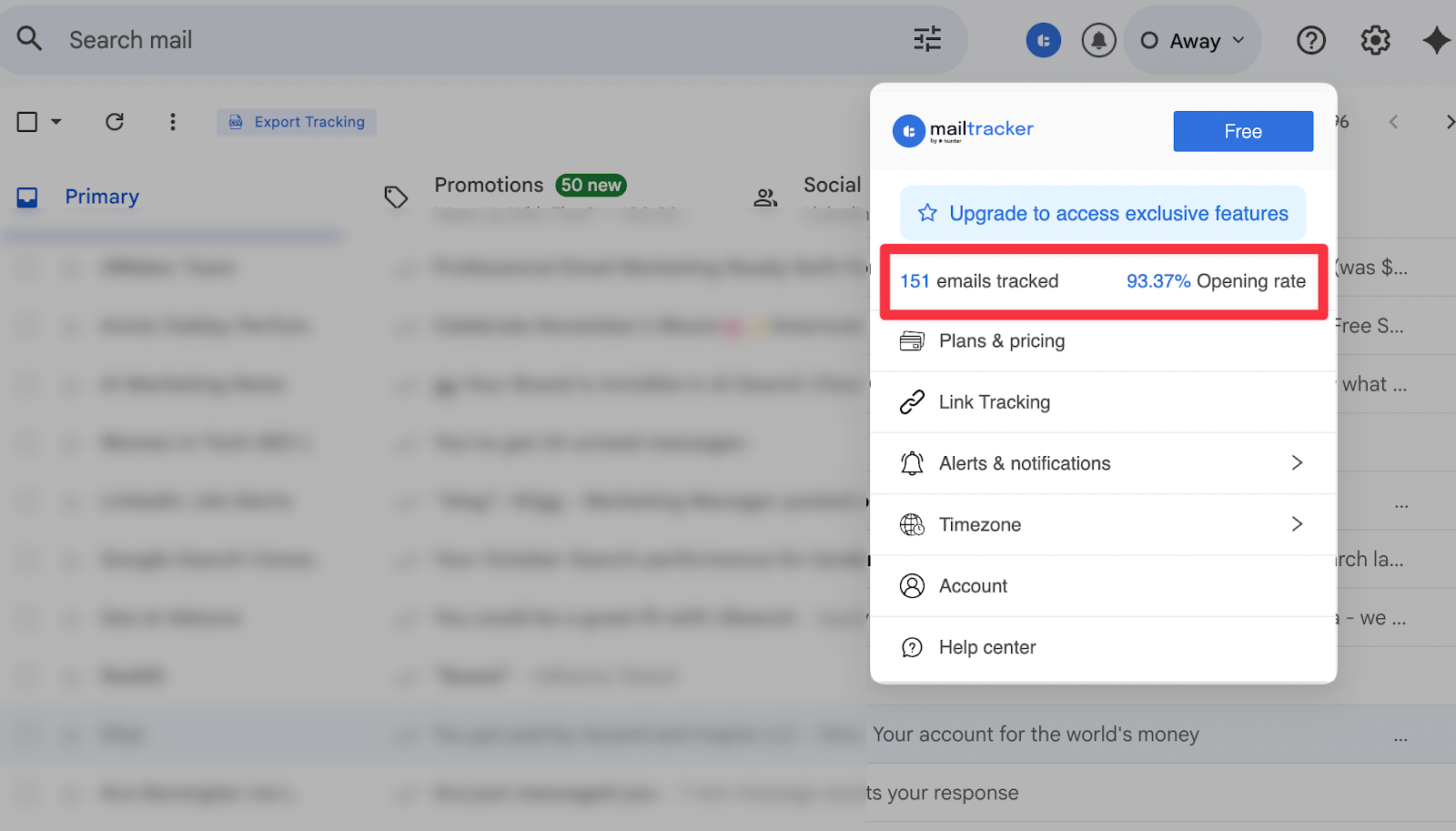
5. Simple analytics dashboard: You have access to a clean dashboard that highlights key metrics like emails tracked and open rates without overwhelming you with data.
6. No logos or signatures in the free plan: Emails sent with MailTracker don’t include logos or tracking signatures, so recipients won’t know the email is being tracked.
Contras
- Limited analytics compared to full CRMs
Precios
- Free plan available for tracking 20/emails per month
- Paid plans unlock advanced features and premium options
Best for: Job seekers, freelancers, recruiters, sales teams, and anyone who depends on timely email replies
2. HubSpot
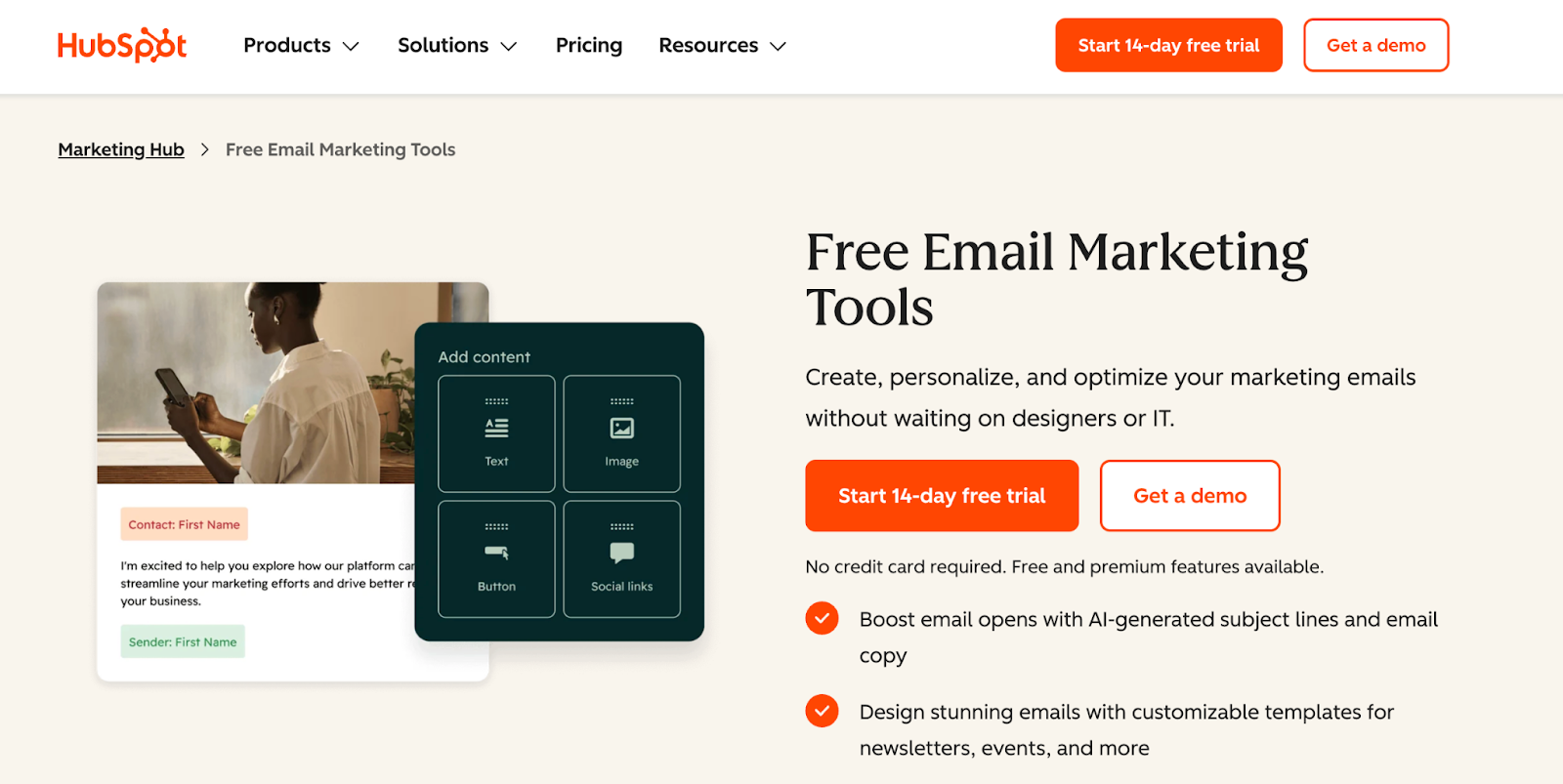
HubSpot is a CRM and sales platform that includes email analytics as part of a larger system for managing leads, contacts, and deals.
It’s commonly used by sales and marketing teams that want to track email engagement alongside the full customer journey.
HubSpot’s email analytics help teams understand how contacts interact with emails and how that engagement connects to pipeline activity.
By linking email opens and clicks to contacts and deals, HubSpot makes it easier to see which conversations are moving forward and which need follow-ups.
Características principales
- Email open and click tracking: The tool lets you track when contacts open emails and click links, helping sales and marketing teams measure engagement across one-to-one emails and sequences (just like MailTracker).
- Contact-level engagement history: You have a complete view of the timeline email activity for each contact, including past opens, clicks, and interactions, all in one place.
- Analytics tied to deals and sales pipelines: You can connect email engagement directly to deals, so teams can see which emails contribute to progress in the pipeline.
- Email performance reporting across teams: HubSpot analyzes email open rates, click rates, and engagement trends across sales reps or campaigns to understand what messaging works best.
- CRM integration: Email analytics are fully integrated with HubSpot’s CRM, allowing teams to combine email data with contact properties, deal stages, and lifecycle data.
Contras
- Steeper learning curve
- Too complex for simple email tracking needs
Precios
- Free CRM available
- Paid plans start around $20–$50/month and scale up quickly
Best for: Sales teams, B2B SaaS companies, CRM-driven workflows
3. Mailchimp
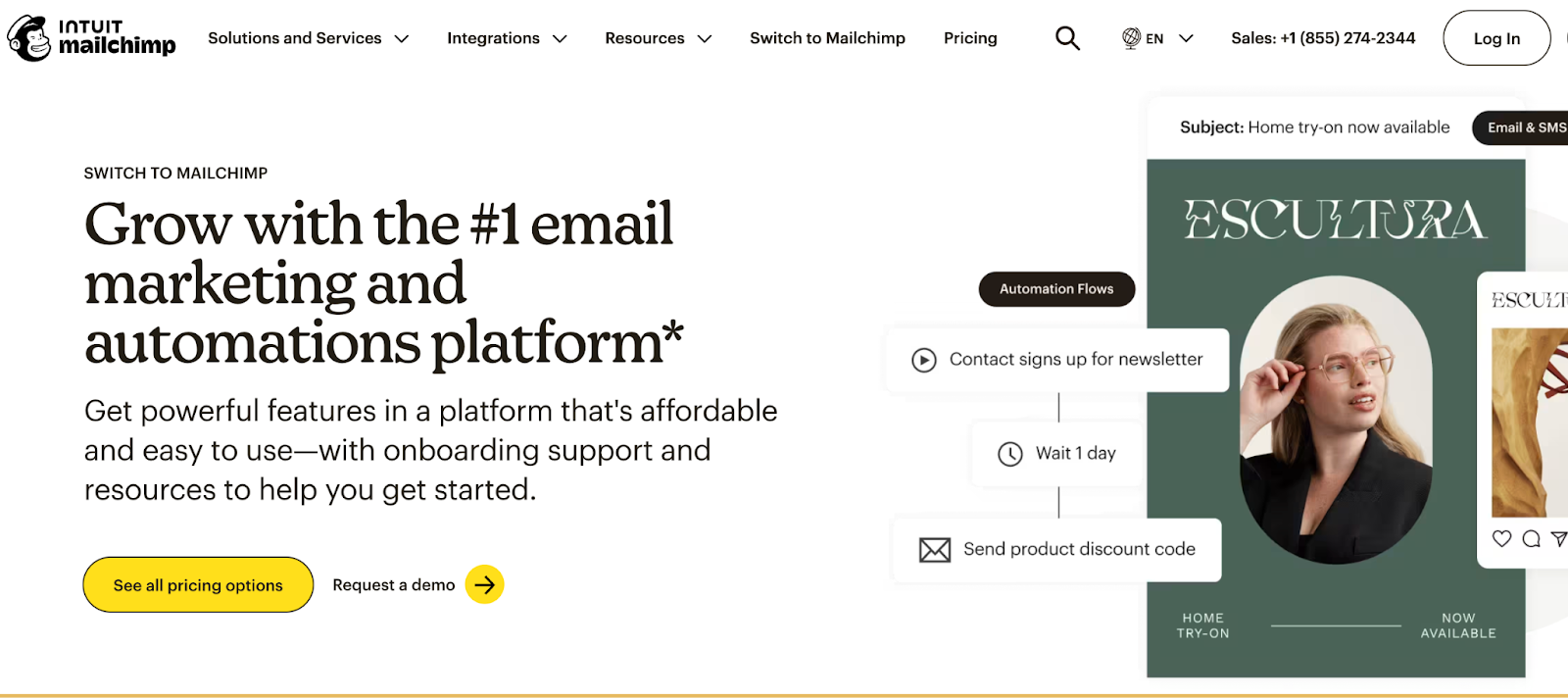
Mailchimp is an email marketing platform built for sending and analyzing email campaigns at scale, such as newsletters, product updates, and announcements.
It’s widely used by marketing teams and businesses that focus on audience engagement rather than individual email conversations.
Mailchimp’s email analytics help you understand how large groups of subscribers interact with your emails.
The platform focuses on campaign-level performance, showing how subject lines, content, and timing affect opens and clicks across an entire audience.
Características principales
- Campaign open and click-through rate tracking: You can measure how many recipients open your emails and click links across each campaign, helping you evaluate subject lines and content performance.
- Audience engagement analytics: The tool lets you analyze how different segments of your audience interact with your emails, including engagement trends over time.
- A/B testing reports: You can test different subject lines, content variations, or send times and compare performance to identify what drives higher engagement.
- Subscriber activity insights: Mailchimp also tracks subscriber behavior such as opens, clicks, and engagement frequency to better understand your audience.
- Visual analytics dashboards: You can view campaign performance through clear charts and dashboards that summarize key email metrics at a glance.
Contras
- No real-time alerts for individual email opens
- Not suitable for personal or sales emails
- Gets expensive as your list grows
Precios
- Free plan available (limited)
- Paid plans start around $20/month
Best for: Marketers, newsletters, ecommerce businesses
4. Yesware
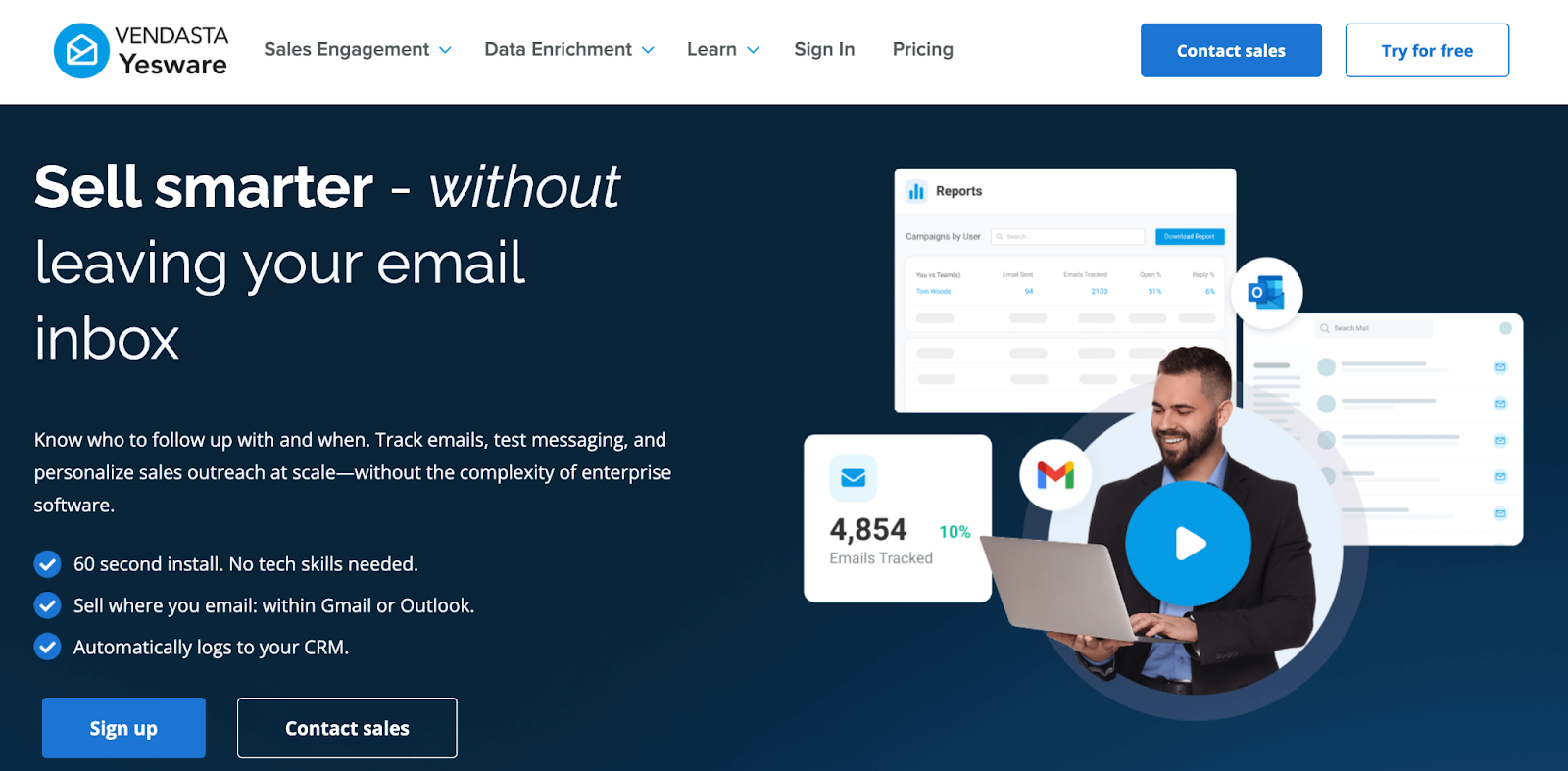
Yesware is an email analytics tool designed for sales teams that rely on outbound email to start and move deals forward.
It’s mainly used by Sales Development Representatives (SDR), Business Development Representatives (BDR), and account executives who send high volumes of emails and need clear visibility into prospect engagement.
Yesware’s analytics focus on understanding how individual prospects interact with sales emails.
By tracking opens, clicks, and content engagement, sales teams can prioritize follow-ups, improve messaging, and identify which emails contribute to pipeline activity.
Características principales
- Email open and click tracking: You can track when prospects open emails and click links, helping sales reps follow up based on real engagement signals.
- Attachment tracking: The tool lets you see when a prospect opens attachments like proposals or decks, giving additional insight into buying intent.
- Engagement analytics per prospect: You can view engagement data at the individual prospect level to understand interest across ongoing conversations.
- Email template performance reports: Yesware analyze which sales templates generate higher open and click rates, helping teams refine outreach messaging.
- CRM integrations: Sync email engagement data with tools like Salesforce and Gmail, so analytics are connected to deals and contacts.
Contras
- Not beginner-friendly
- Too complex for personal use
- Designed mainly for sales teams
Precios
- Free plan
- Paid plans start at $19/seat/month
Best for: SDRs, BDRs, outbound sales teams
5. Streak
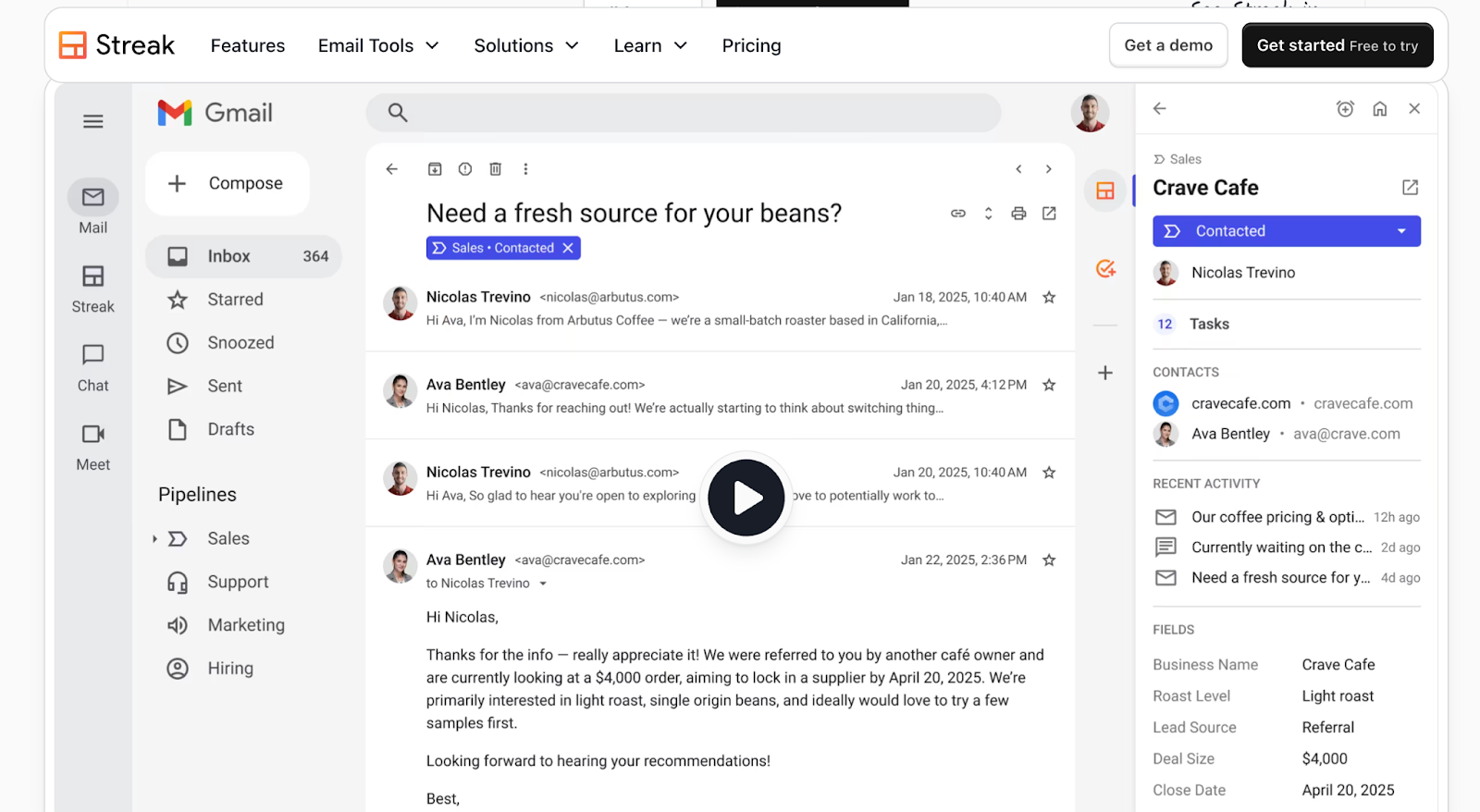
Streak is a Gmail-based CRM that helps you organize conversations and track relationships directly inside your inbox.
It’s designed for people who manage ongoing email conversations and want light email analytics without using a full CRM.
Streak adds basic email engagement insights while focusing on conversation context. Keeping emails, notes, and reminders together in Gmail, it helps users stay organized and follow up without losing track of threads.
Características principales
- Email open tracking: You can see when emails are opened, providing basic insight into recipient engagement.
- Thread and conversation tracking: You can track entire email threads instead of individual messages, making it easier to follow long-running conversations.
- Pipeline-based organization: Streak organizes conversations into pipelines, such as leads, deals, or job applications, and tracks progress over time.
- Notes and reminders inside Gmail: The tool lets you add notes and set reminders directly on email threads to support consistent follow-ups.
Contras
- Limited analytics depth
- No advanced reporting
- Not built for high-volume outreach
Precios
- Paid plan starts at $59 per user/month
Best for: Consultants, small teams, founders managing relationships
6. Mixpanel
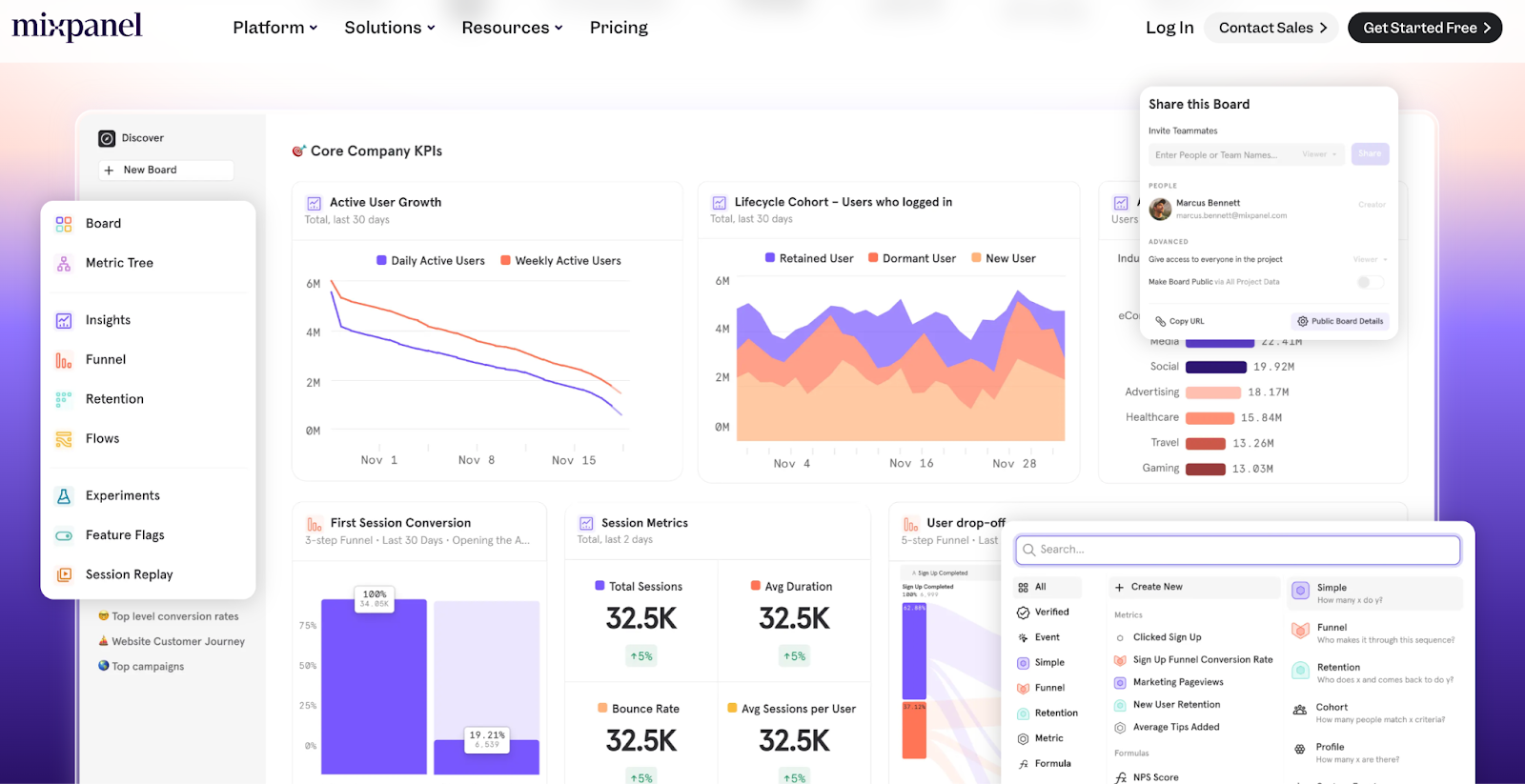
Mixpanel is a product analytics platform that helps teams understand what users do after they interact with an email.
While it doesn’t track inbox activity like opens or replies, it’s useful for analyzing how email clicks translate into actions inside a product or website.
Mixpanel focuses on behavior and outcomes. Connecting email clicks to events such as sign-ups, feature usage, or conversions, it helps teams measure the real impact of email campaigns beyond the inbox.
Características principales
- User action tracking triggered by emails: Mixpanel tracks what users do after clicking an email, such as signing up, completing an action, or using a feature.
- Funnel and conversion analytics: You can analyze how email-driven users move through funnels and where drop-offs happen.
- Retention analysis: You can measure whether users who arrive via email continue to engage over time.
- Event-based reporting: The tool lets you build reports based on custom events to understand how email engagement influences product behavior.
Contras
- No email open tracking
- Requires technical setup
- Not suitable for simple email monitoring
Precios
- Free plan available
- You need to estimate your Growth plan price manually on their site
Best for: Product teams, growth teams, product-led companies
Start Tracking Your Email Follow-Ups With MailTracker for Free
If you want to start following up with better timing, MailTracker gives you the email analytics that actually matter.
With MailTracker, you can:
- See when your emails are opened
- Track how many times an email is reopened
- Get notified when an email isn’t opened
- Monitor link clicks to understand interest
- Improve follow-ups based on real engagement, not assumptions
MailTracker works as a Chrome extension inside Gmail, so you don’t need to change how you send emails.
You can start for free and track up to 20 emails per month, making it easy to test email tracking and follow-up timing without committing to a paid plan.

