



AI email tools are built to help you write emails faster, reply more clearly, and handle follow-ups without spending too much time on wording.
They’re especially useful if you send a lot of emails every day and want to sound professional without rewriting the same messages over and over.
In this list, we’ve gathered the best AI tools for writing, rewriting, and replying to emails in 2026.
You’ll see which tools work directly inside Gmail, which ones are better for sales or outreach, and which are best for improving tone and clarity.
For each tool, we explain what it does best, who it’s for, and how much it costs, so you can quickly decide which one fits your email workflow.
TL;DR: 7 Best AI Email Tools (Quick Picks)
1. Gemini: Best for Gmail users who want AI built directly into their inbox for writing, rewriting, and follow-ups. (Paid for personal Gmail; included in some Workspace plans)
2. ChatGPT: Best for drafting emails from scratch and creating multiple tone variations when you need full control. (Free and paid: $25-$30/user/month)
3. Superhuman AI: Best for high-volume email users who want speed, short replies, and inbox productivity. (Free plan; paid from $25/month)
4. Grammarly AI: Best for improving tone, clarity, and professionalism in existing emails. (Free plan; paid from $12/month)
5. Reply.io AI: Best for sales teams running cold outreach and automated follow-up sequences. (Paid plans from $99/month)
6. Lavender AI: Best for sales emails that need real-time guidance on tone, length, and personalization. (Free plan; paid from $27/month)
7. Flowrite: Best for fast, repetitive emails using short instructions or bullet points. (Paid only, from $5/month)
Bonus tool: MailTracker: Track who opened your emails, how many times they were opened, and who clicked your links, so you know exactly when to follow up.
7 Best AI Email Tools in 2026
1. Gemini in Gmail (Google Workspace AI)
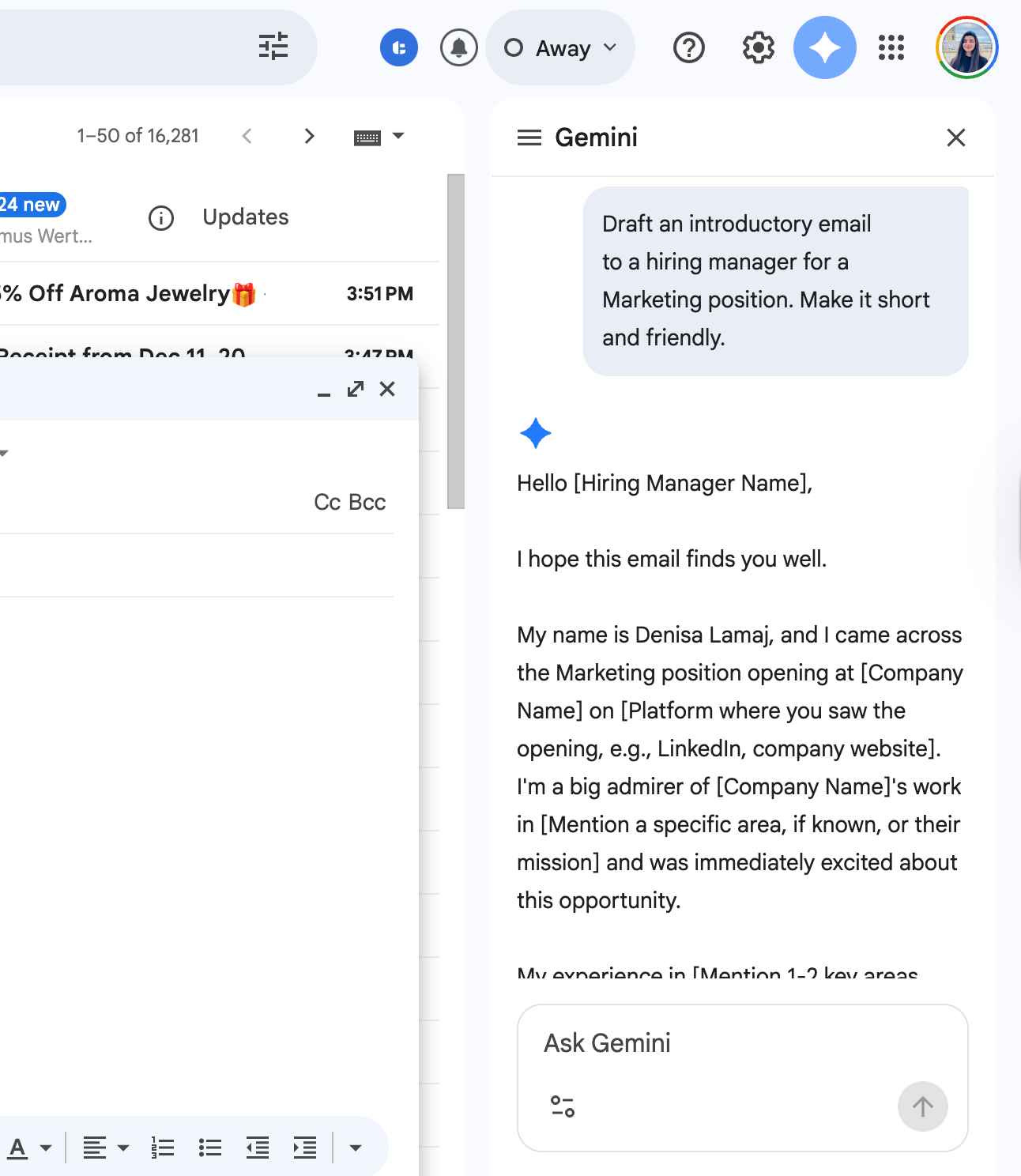
Gemini is Google’s built-in AI assistant for Gmail. Because it’s native to Gmail, you don’t need any extensions or extra tools to start using it.
👉 Read this guide if you want to know how to use Gemini in Gmail.
You can draft new emails, rewrite existing messages, suggest quick replies, and summarize long email threads.
What makes Gemini especially useful is context. It can understand the email conversation you’re replying to and generate suggestions that actually match what’s being discussed.
This is helpful for follow-ups, job-related emails, customer communication, and longer threads where tone and clarity matter.
Gemini is a strong choice if you already use Gmail daily and want AI support without changing your workflow.
Best for:
- Job seekers (post-interview and application follow-ups)
- Writing and rewriting follow-up emails
- Customer and client communication
- Anyone who deals with long or complex email threads
Pros:
- Built directly into Gmail
- No copy-pasting between tools
- Good at rewriting and improving tone
- Can summarize long email conversations
- Works well for everyday email tasks
Cons:
- Full features are not free
- Requires a paid Gemini plan for personal Gmail
- Workspace users may need admin approval
Pricing:
- Included with certain Google Workspace plans
- Personal Gmail users need a paid Gemini subscription (pricing depends on the plan and region)
2. ChatGPT
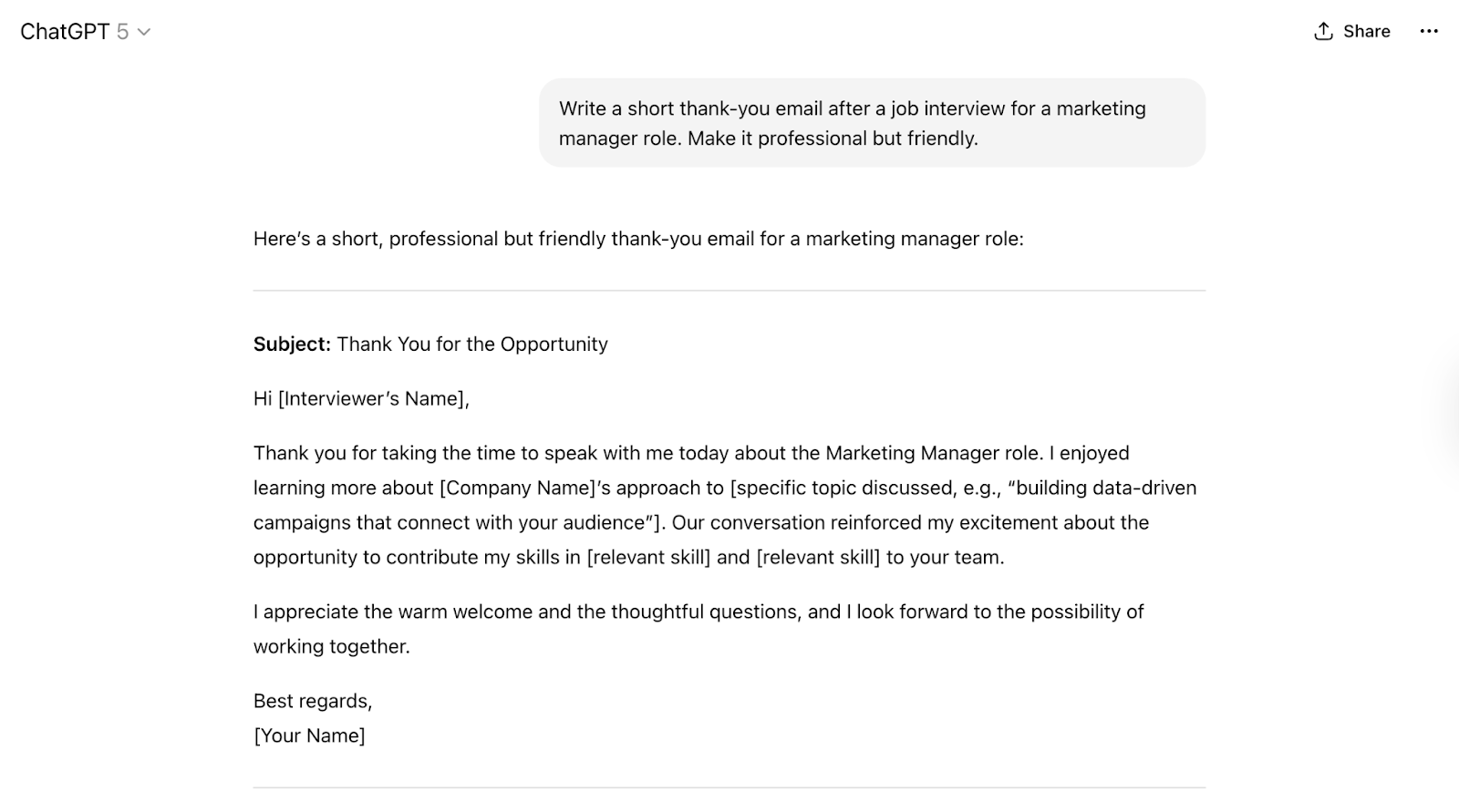
ChatGPT is one of the most flexible AI tools for writing emails. You can use it to draft emails from scratch, rewrite existing messages, or generate multiple versions of the same email with different tones.
Unlike Gemini, ChatGPT isn’t built directly into Gmail, but it’s very strong when you need ideas or more control over what you’re writing.
ChatGPT works best when you want to explain the situation in detail and ask for a specific type of email.
For example, you can tell it who you’re writing to, what the goal is, and what tone you want. It’s useful for complex emails or when you want several variations to choose from.
You’ll usually write the prompt in ChatGPT, copy the result, and paste it into Gmail.
Best for:
- Writing emails from scratch
- Creating follow-up templates
- Handling sensitive or detailed messages
- Personalizing emails with specific context
Pros:
- Very strong writing quality
- Flexible tone (professional, friendly, persuasive, apologetic)
- Great for templates and variations
- Useful for brainstorming and rewriting
Cons:
- Not built into Gmail
- Requires copy-paste into your inbox
- Needs clear prompts to get the best results
Pricing:
- Free version available
- Paid plan around $25-$30/user/month
If you want to see how ChatGPT and Gemini compare for writing emails, check out this detailed guide: ChatGPT vs. Gemini: Which Writes Better Emails
3. Superhuman AI
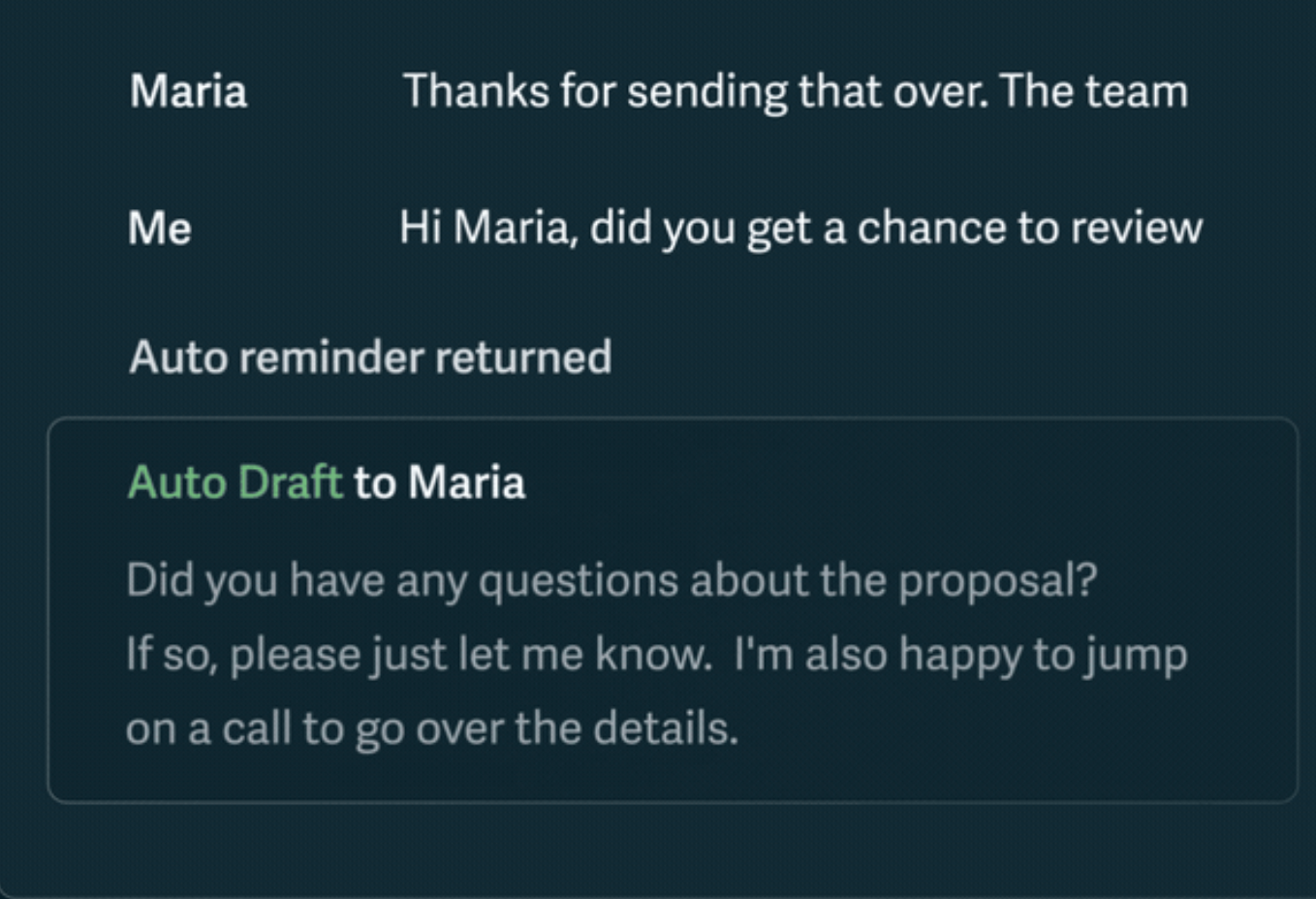
Superhuman is an email app designed for speed. Its AI features focus on helping users process emails faster by generating short replies, summarizing long threads, and reducing time spent in the inbox.
The AI is built around productivity. It suggests quick responses, helps you understand long conversations at a glance, and supports keyboard-driven workflows.
This makes it suitable for people who receive a large volume of emails every day and want to move through them quickly.
Superhuman works best if email is a core part of your job and you’re willing to change how you manage your inbox.
Best for:
- Busy professionals
- Founders and executives
- High-volume email workflows
Pros:
- Very fast inbox experience
- AI-generated short replies
- Thread summaries for long conversations
- Strong productivity-focused features
Cons:
- Requires switching away from Gmail’s native interface
- Expensive compared to other tools
- Overkill for light email users
Pricing:
- Free plan available
- Paid plans start at $25/month
4. Grammarly AI

Grammarly is no longer just a grammar checker. Its AI features can now rewrite full emails, improve tone, and make your writing clearer and more professional.
You can use it to adjust how your message sounds without changing the meaning.
Grammarly works well when you already have an email written but want to improve it. It highlights unclear sentences, suggests smoother phrasing, and helps your message sound more confident and natural.
Grammarly runs as a browser extension or desktop app, so you can use it across different email platforms, including Gmail.
Best for:
- Improving tone and clarity
- Fixing unclear or awkward emails
- Sounding polished without rewriting everything
Pros:
- Easy to use
- Strong rewriting and tone suggestions
- Helps reduce grammar and spelling mistakes
- Works across many apps and websites
Cons:
- Not built directly into Gmail
- Limited advanced features on the free plan
Pricing:
- Free plan available
- Paid plans start at $12/month
5. Reply.io AI
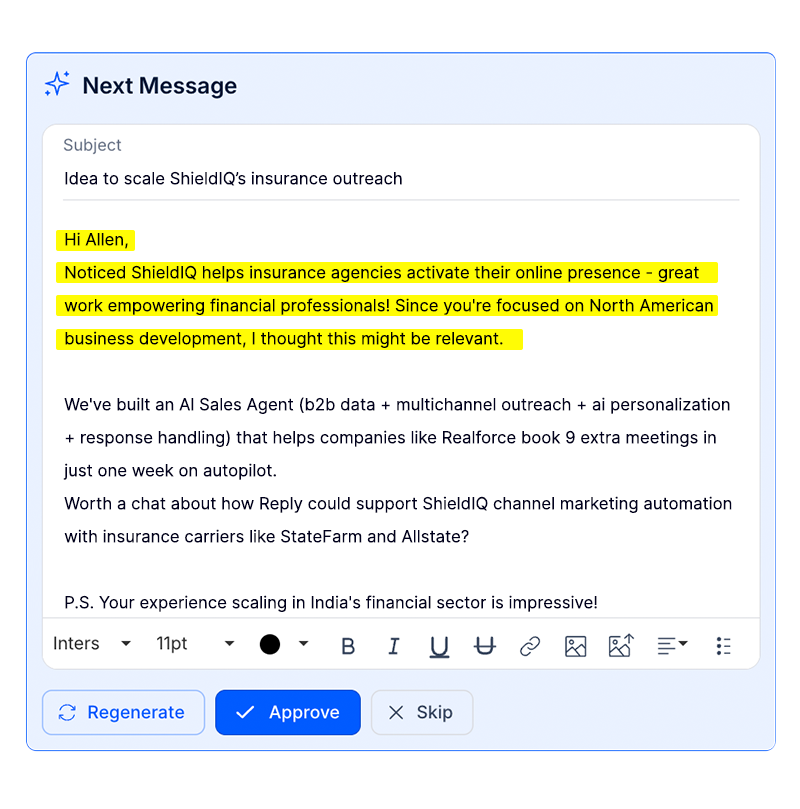
Reply.io is an AI-powered sales outreach platform built for automating cold emails and follow-up sequences.
Instead of writing one email at a time, it helps teams send personalized messages at scale and manage multistep outreach campaigns.
Its AI features focus on personalization. You can generate outreach emails, adjust tone, and create follow-up messages based on recipient behavior.
Reply.io works best for structured sales workflows rather than everyday inbox use.
This tool is suitable if your goal is lead generation and outbound sales, not general email writing.
Best for:
- Sales teams
- Cold outreach campaigns
- Lead generation
Pros:
- Multistep email sequences
- AI-powered personalization
- Designed for outbound sales workflows
- Works well for team-based outreach
Cons:
- Too complex for occasional email users
- Not ideal for personal or one-off emails
- Higher learning curve
Pricing:
- Paid plans only
- Plans start at $99/month, depending on features
6. Lavender AI
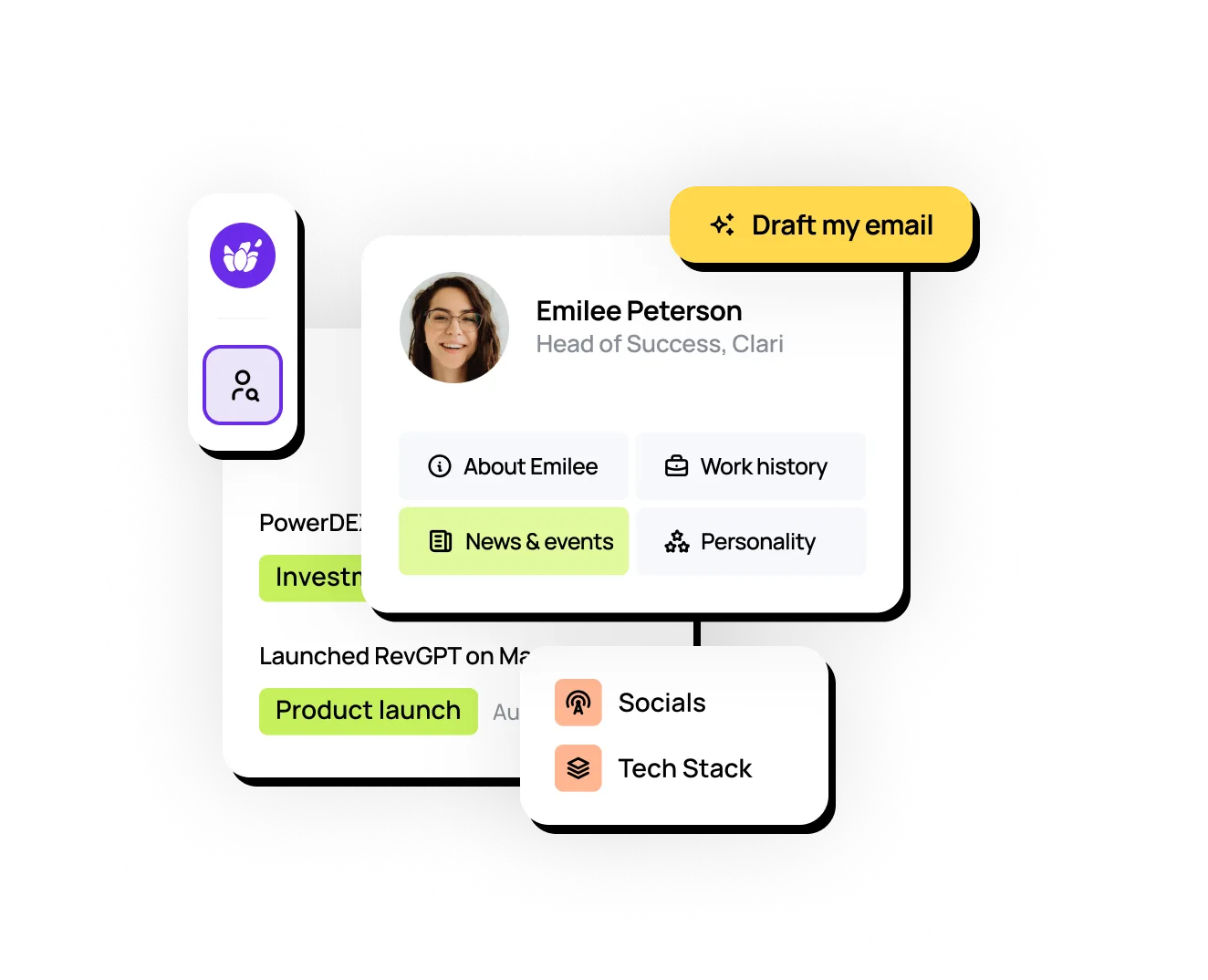
Lavender is an AI tool designed to help you improve emails while you’re writing them.
Instead of generating emails from scratch, it analyzes your draft in real time and gives suggestions on tone, length, clarity, and personalization.
Lavender is well-suited for sales teams because it focuses on making outreach emails more readable and engaging.
It can suggest ways to shorten messages, sound more natural, or personalize emails based on the recipient.
This tool works best if you send sales or client emails regularly and want guidance while writing.
Best for:
- Salespeople
- Client outreach
- Relationship building
Pros:
- Real-time writing suggestions
- Personalized guidance based on email content
- Email scoring to improve effectiveness
- Helps keep messages short and clear
Cons:
- Mainly focused on sales emails
- Less useful for non-sales communication
Pricing:
- Free plan available
- Paid plans start at $27/month
7. Flowrite
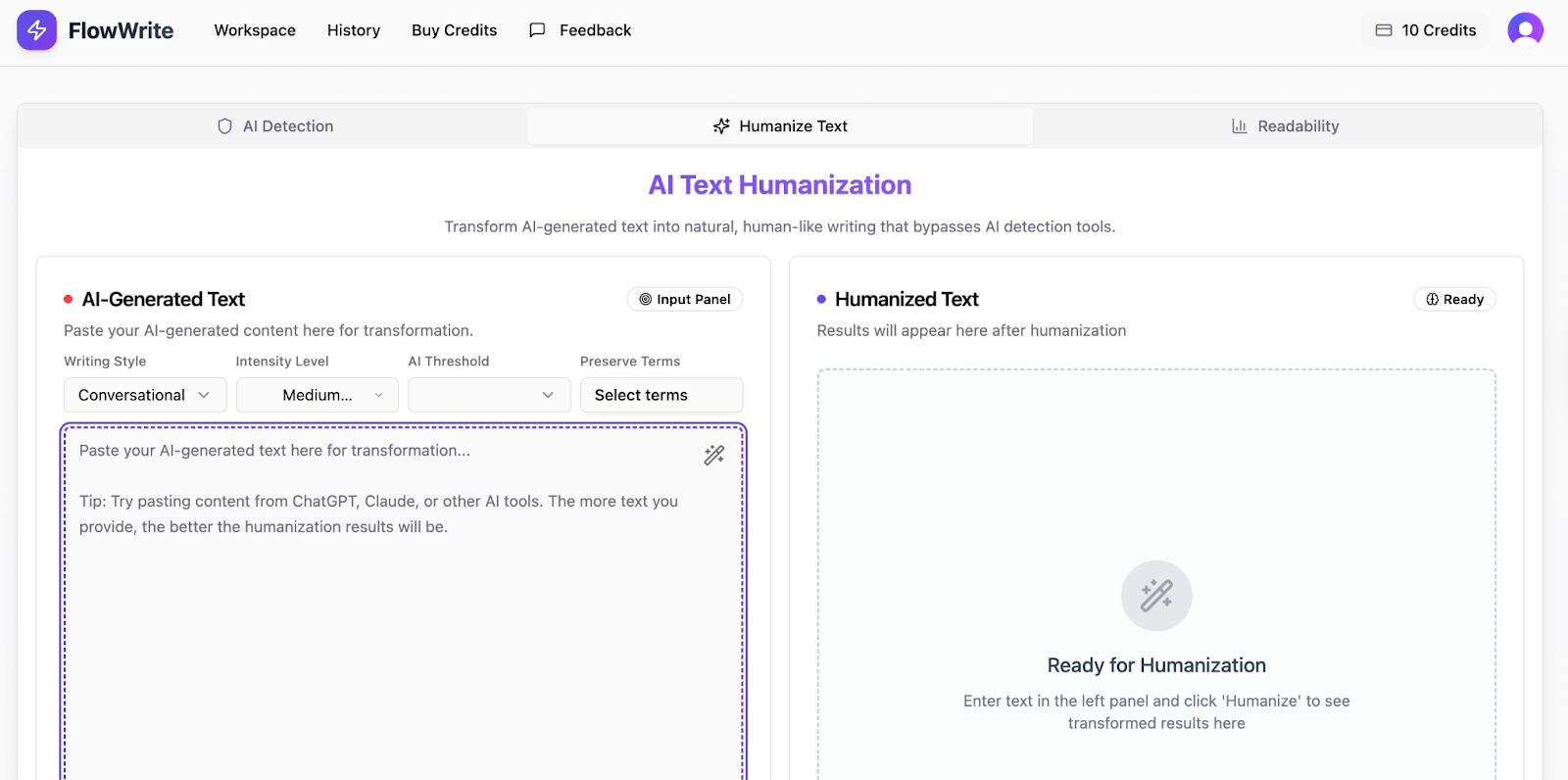
Flowrite is an AI writing tool that turns short instructions into complete, ready-to-send emails.
Instead of writing full sentences, you enter a few keywords or bullet points, and Flowrite generates a clear, professional message for you.
This tool works well for repetitive emails, such as meeting follow-ups, confirmations, or quick responses. It’s designed to save time, making it useful for sending similar types of emails every day.
Flowrite is best when speed matters and you don’t need heavy customization.
Best for:
- Busy professionals
- Repetitive email types
- Short, professional replies
Pros:
- Very fast email drafting
- Good built-in templates
- Simple and easy to use
Cons:
- Works best for routine emails
- Limited flexibility for complex messages
Pricing:
- No free plan
- Paid plans start at $5/month
Track Email Opens with MailTracker
Writing good emails is important, but knowing what happens after you send them is what really improves follow-ups.
MailTracker helps you understand how recipients interact with your emails, so you can follow up with confidence.
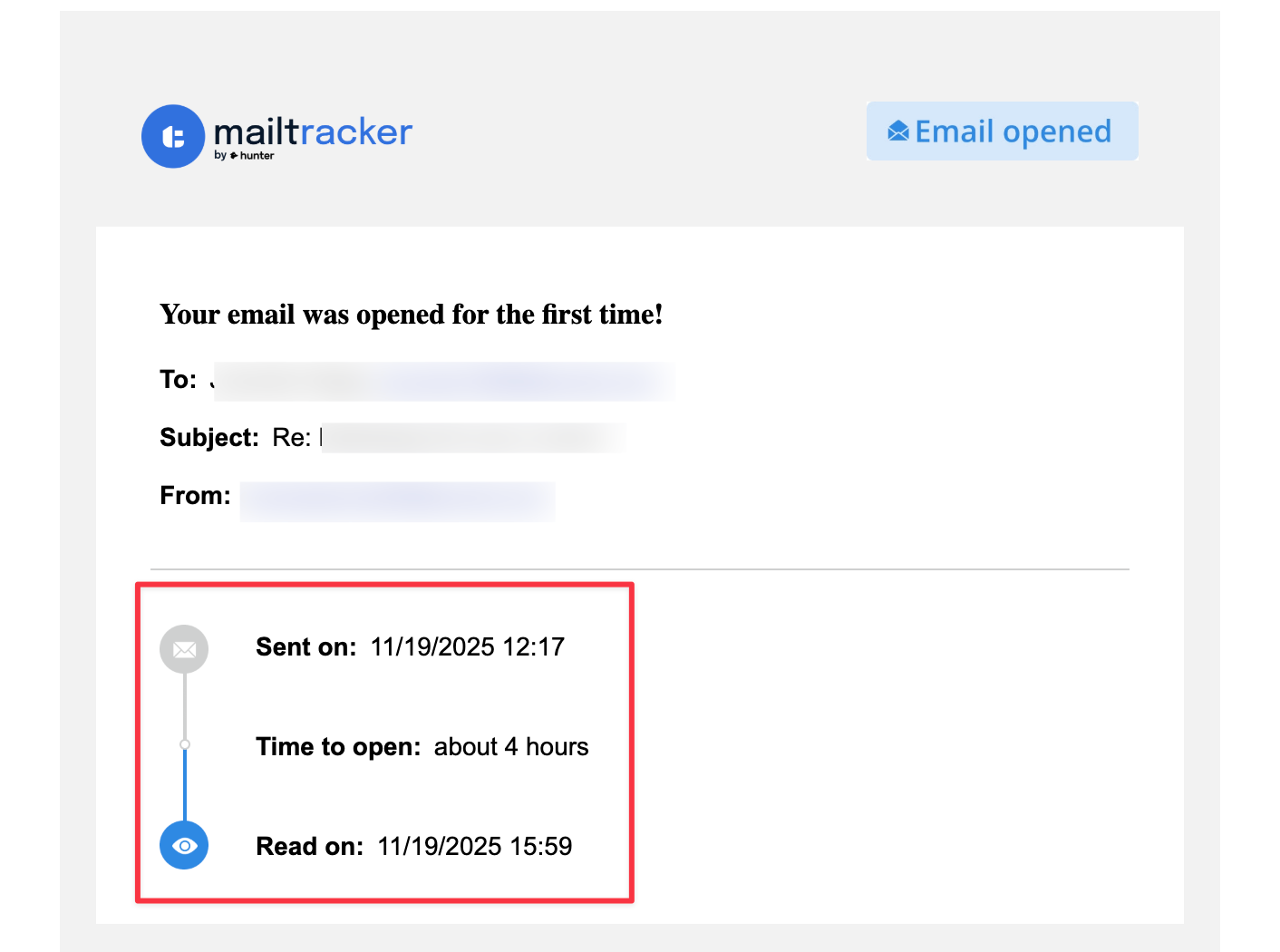
With MailTracker, you can:
- See who opened your emails in Gmail
- Know how many times an email was opened
- Spot interested recipients based on engagement
- Avoid following up with people who haven’t seen your message yet
This insight helps you time your follow-ups better and focus on people who are more likely to reply.
To get the best results, use Gemini in Gmail to write clear, professional emails, then use MailTracker to track engagement after sending.
Together, they help you write faster, follow up smarter, and improve your response rates without extra effort.

