


Email tracking is safe to use in most professional contexts. It does not install anything on the recipient’s device, it does not expose either party to security vulnerabilities, and it is legally permitted in the US and compliant with GDPR when used correctly.
That said, there are real privacy considerations worth understanding before you start, both as a sender and as someone who receives tracked emails.
How Email Tracking Works
Most email tracking tools embed an invisible 1x1 pixel image in the body of your outgoing email.
When the recipient opens the message, their email client loads that image from a remote server, and that request logs the open event.
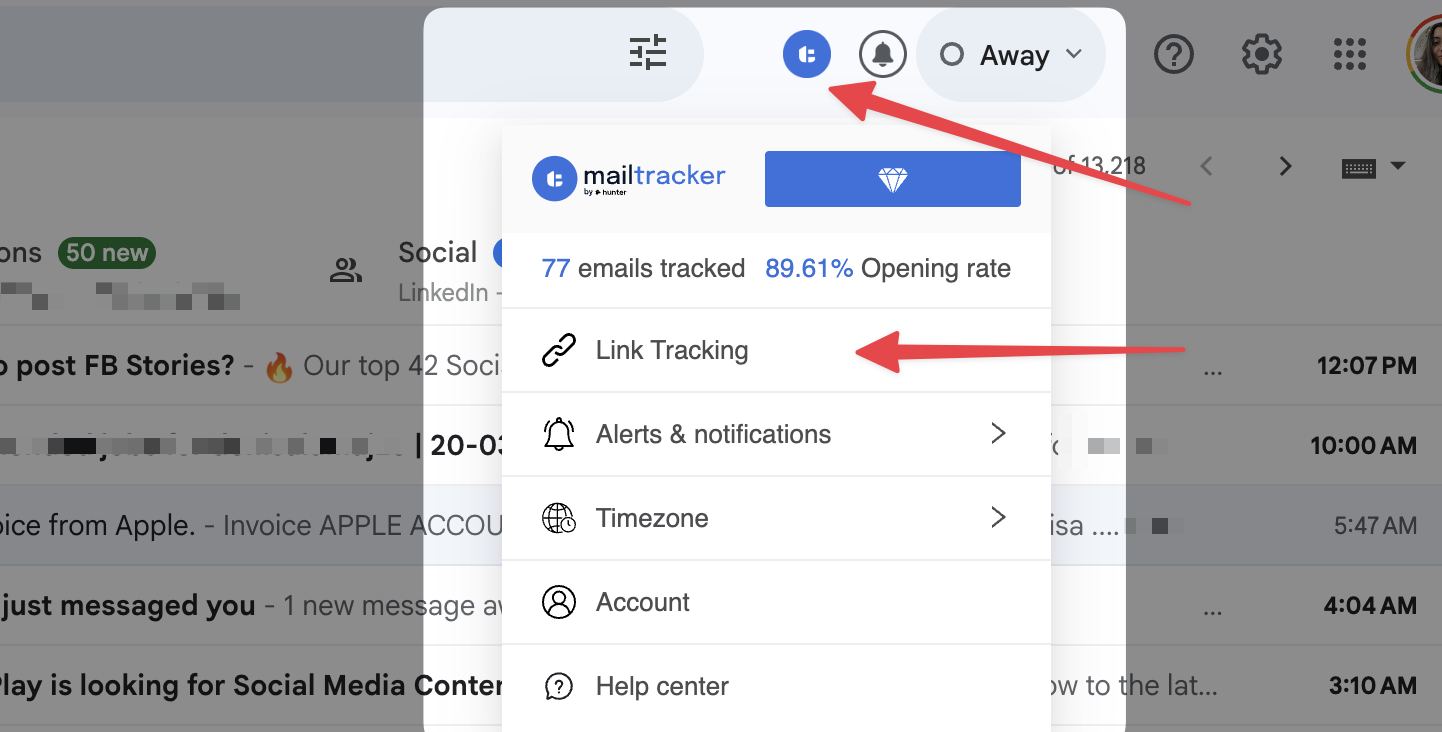
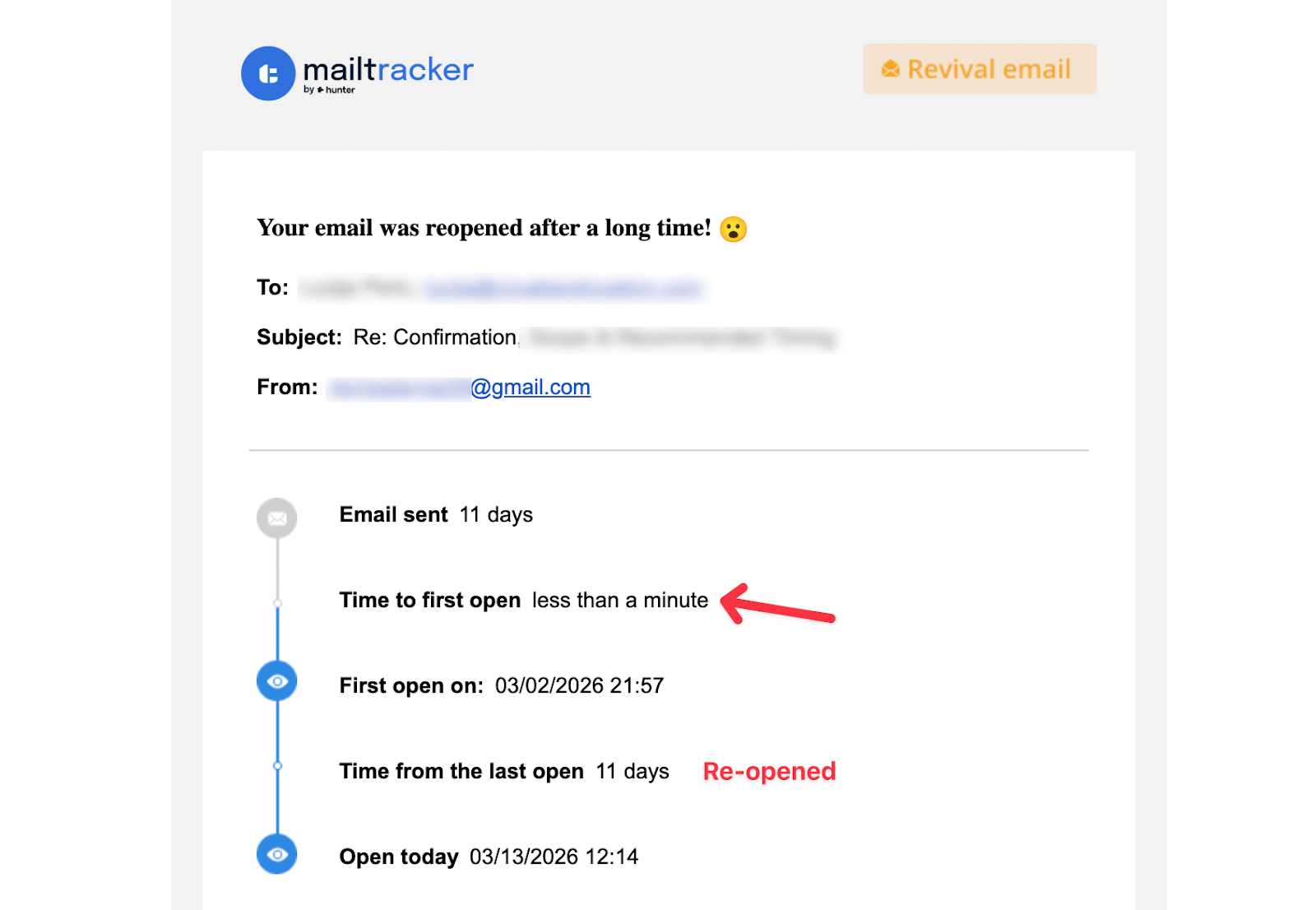
You receive a notification with the timestamp, the open count, and whether any links were clicked.
Nothing is installed on the recipient’s device. The pixel is just an image request, the same kind that happens every time any image loads in any email.
One limitation worth knowing upfront: Apple Mail’s Privacy Protection, now widely adopted on iOS and macOS, pre-fetches images before the user opens the email. This means a tracking pixel can register an open even when the person has not actually read the message.
For one-to-one professional outreach this is rarely a significant problem, but it is worth treating open data as a strong signal rather than a certainty.
Is Email Tracking Legal?
The answer depends on where your recipients are and what kind of email you are sending. In the United States, email tracking is legal under theCAN-SPAM Act for commercial emails, as long as the message includes a clear opt-out mechanism and an accurate sender address. There is no requirement to explicitly disclose that tracking is in use.
In the European Union, the General Data Protection Regulation (GDPR) applies. Tracking pixels collect personal data, which means you need a lawful basis for processing it.
For marketing emails sent to EU recipients, this typically requires explicit consent. For one-to-one professional outreach, the legal basis is less rigid, but being transparent is still considered best practice.
In Canada, CASL (Canada’s anti-spam legislation) requires express consent before sending commercial electronic messages, which extends to tracking activity within those messages.
MailTracker is fully GDPR-compliant. You can read exactly how it handles your data in theprivacy policy.
Is Email Tracking Ethical?
Email tracking is widely accepted in professional sales, recruiting, and outreach. The data it provides helps senders send more relevant follow-ups, which in practice often benefits the recipient as much as the sender.
The ethical concerns come in when tracking is used without any transparency, when more personal data is collected than necessary, or when that data is shared with third parties. Collecting precise location data, for example, goes beyond what most tracking use cases actually require.
Another concern recipients sometimes raise is not knowing they are being tracked at all. This is actually the norm across professional email, not something specific to any one tool.
Every marketing email, newsletter, or outreach message you have ever received almost certainly contained a tracking pixel. It is a standard practice, and most professional email clients are built with that assumption in mind.
MailTracker collects only what is necessary: open timestamps, open count, and link clicks.
It does not share recipient data with third-party brokers, does not store the content of your emails, and does not collect precise location information.
If you want to understand exactly what recipients can and cannot see when you track an email:can someone tell if you are tracking their emails
What Makes an Email Tracker Safe to Use
A safe email tracker collects only what it needs, stores it securely, and never shares it with third parties. It complies with relevant privacy regulations and gives you control over what you track.
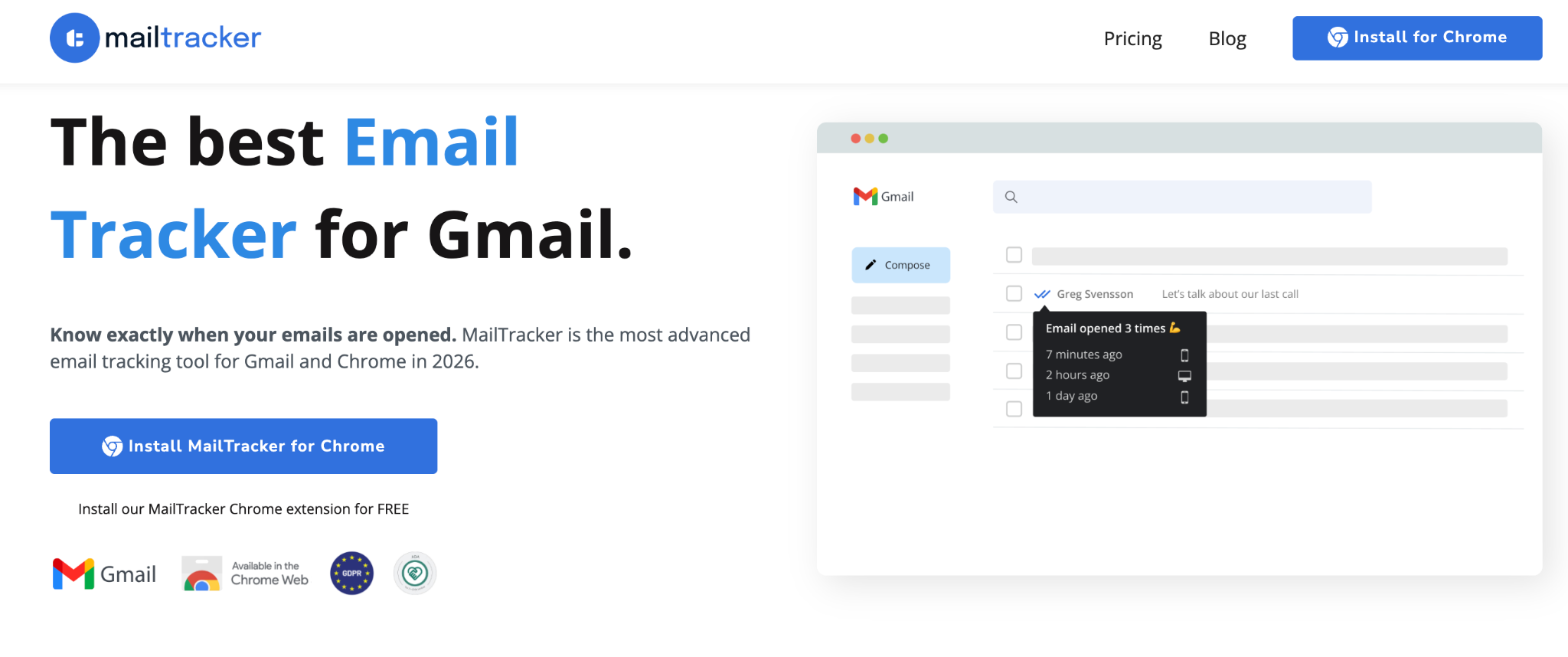
MailTracker is available on the Chrome Web Store. It is GDPR-compliant and ADA certified as a data controller. All data transferred between your device and its servers is encrypted using SSL/TLS, and email content is never stored, only the tracking metadata such as open events and link clicks.
If you are comparing tracking tools and want to understand how they differ in data handling and branding:free email trackers without a signature
Frequently Asked Questions
Is email tracking safe for the recipient?
Yes. A tracking pixel is just an image request. It does not install software, access files, or compromise the recipient’s device. The main concern for recipients is privacy, specifically that behavioural data is being collected without explicit notice. Recipients can prevent this by disabling automatic image loading in their email client, or by using Apple Mail, which does this automatically.
Can recipients tell they are being tracked?
No. Nothing visible changes in the email. There is no label, no signature, and no indicator that a tracking pixel is present. This is consistent with how tracking works across professional email tools generally.
Is email tracking legal in Europe?
Yes. GDPR requires a lawful basis for processing personal data, which for marketing emails typically means explicit consent from the recipient. MailTracker is GDPR-compliant, and using it for direct professional communication is within accepted standards in most EU jurisdictions. For large-scale campaigns to EU recipients, consulting your legal team is the right move.
Does MailTracker comply with GDPR?
Yes. MailTracker is GDPR-compliant and ADA certified as a data controller. It collects only what is needed for tracking: open timestamps, open count, and link clicks. It does not store email content, does not collect precise location data, and does not share recipient data with third parties. Full details in theprivacy policy.
What is the difference between email tracking and Gmail read receipts?
Gmail read receipts require the recipient to actively confirm they have read your message, and most people decline. Email tracking is automatic and gives you significantly more data: open count, timestamps, link clicks, and reopen history. Full comparison:Gmail read receipts vs email tracking

