


Mailmeteor is one of the most popular mail merge tools for Gmail. It lets you send personalized emails to a list from Google Sheets, with tracking and follow-ups, and it has a generous free plan.
But it isn’t the right fit for everyone. You may need more advanced campaigns, a CRM, cold outreach features, or simply a way to track your everyday one-to-one emails.
This guide compares 6 Mailmeteor alternatives, depending on what you need, with their free plans and prices.
Disclosure: MailTracker and Mailmeteor are part of the same company. We’ve tried to describe each tool fairly, including where Mailmeteor remains the better choice.
Mailmeteor Alternatives Compared
Prices checked on November 26, 2026, in US dollars, before any promotion. Prices change often, so check each tool’s pricing page before you buy.
What Is Mailmeteor?
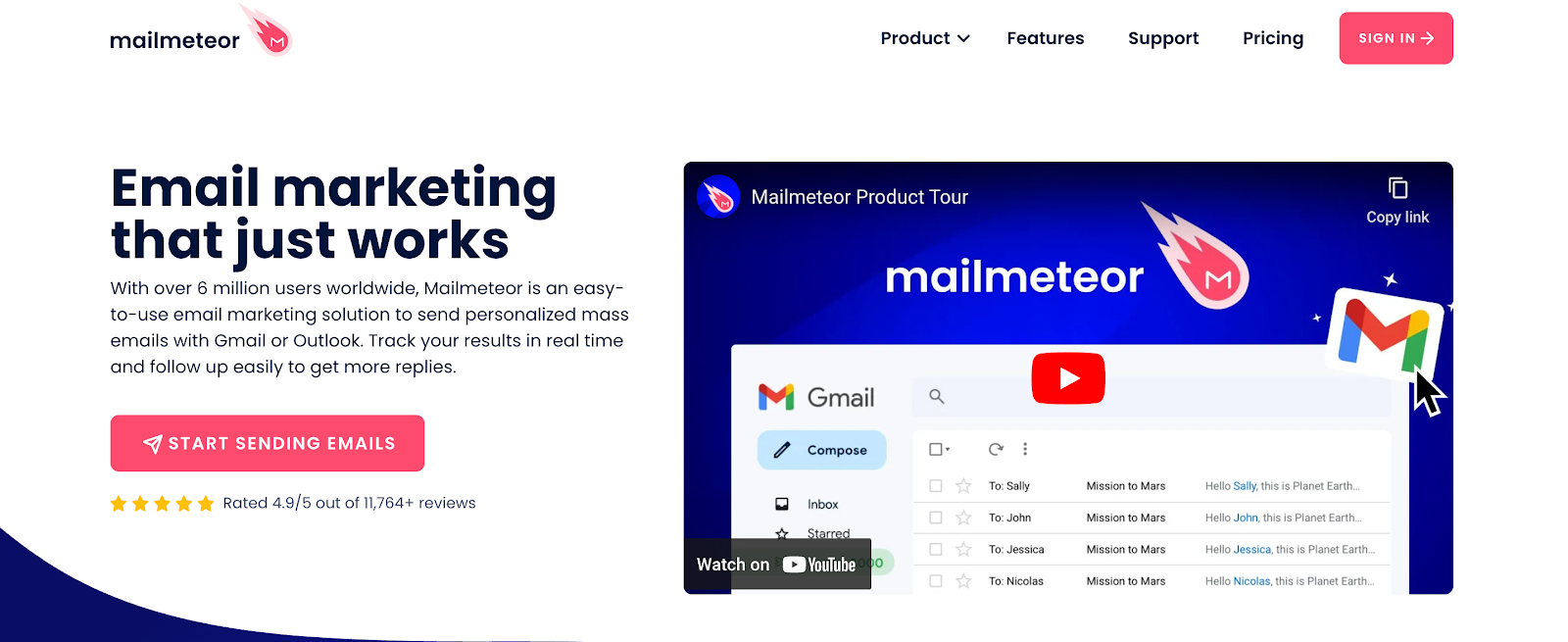
Mailmeteor is a mail merge tool that works with Gmail, Google Sheets, Google Docs, Outlook and Excel. You import a list of contacts, write one email with personalization fields (first name, company…), and Mailmeteor sends a personalized copy to each person from your own email account.
It also tracks opens and clicks, and can send automatic follow-ups to people who didn’t open or reply.
Free plan: 50 emails per day (500 per month), with email tracking included.
Paid plans: from $5.99 per user per month.
What it does well:
- Simple to use: you can send a first campaign in a few minutes.
- Generous free plan compared with most mail merge tools.
- Privacy-friendly: Mailmeteor only asks for the permissions it needs to send emails.
- Works beyond Gmail: Outlook and Excel are supported too.
Why Look for a Mailmeteor Alternative?
People usually look for an alternative for one of these reasons:
- You need advanced campaigns: complex sequences, A/B tests or high sending volumes.
- You want a CRM: to manage deals or candidates directly in Gmail.
- You do cold outreach: you need to find and verify email addresses, not just send emails.
- You don’t need mail merge at all: you just want to know when your one-to-one emails are opened.
Each alternative below answers one of these needs.
1. GMass: Best for Advanced Gmail Campaigns
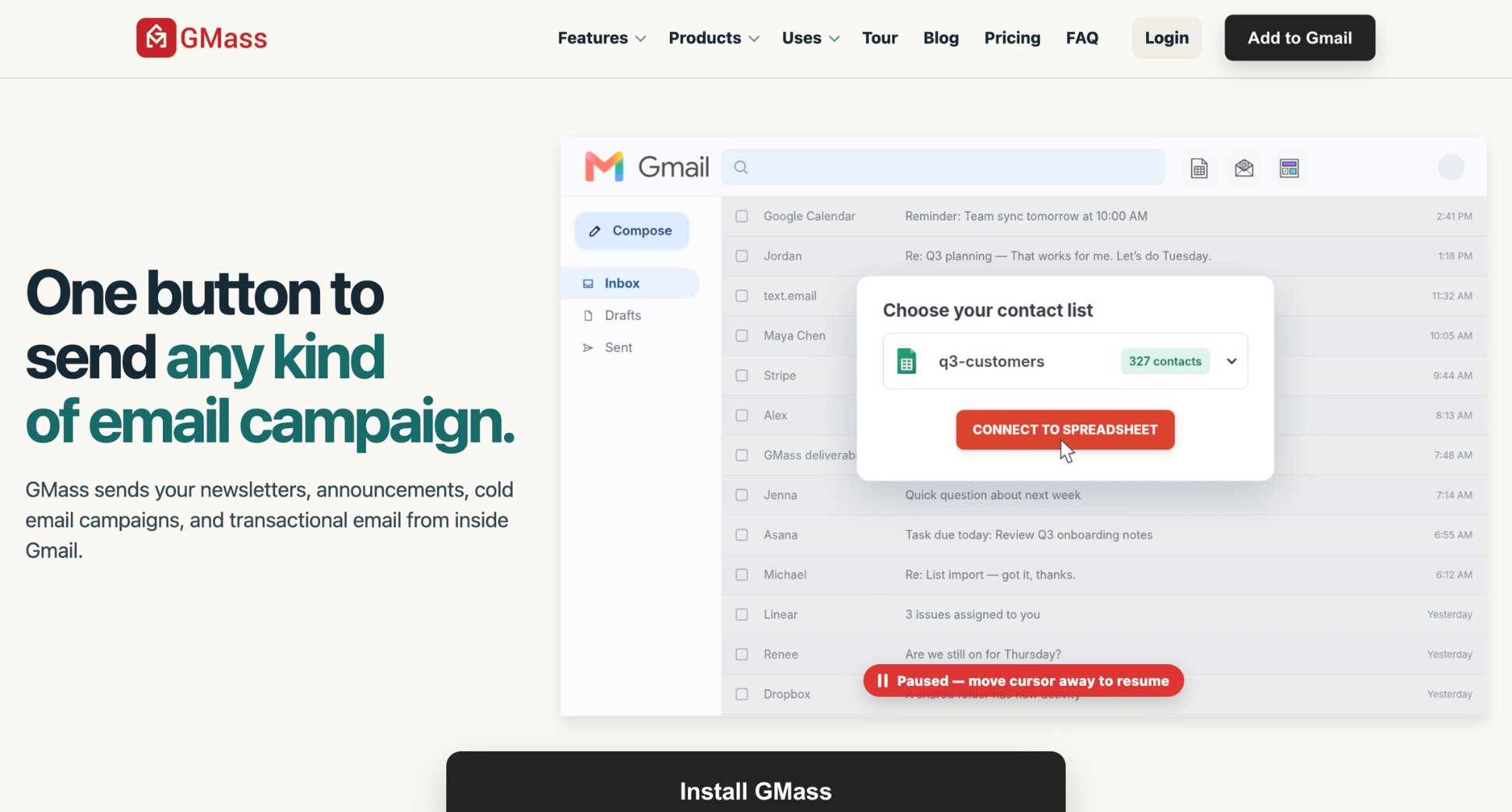
GMass is a mail merge tool that works directly in Gmail. It’s built for people who send larger campaigns and need more control: automated follow-up sequences, A/B testing, scheduling and detailed campaign reports.
Best for: marketers, recruiters and sales teams who send campaigns from Gmail every week.
Free plan: no free plan, but a 7-day free trial.
Paid plans: Standard at $29.95/month, or $20/month billed annually.
Pros: advanced sequences and A/B tests, everything inside Gmail, custom tracking domains.
Cons: several times more expensive than Mailmeteor or YAMM for a first plan, and more settings to learn.
2. YAMM (Yet Another Mail Merge): Best for Basic Mail Merge on a Budget
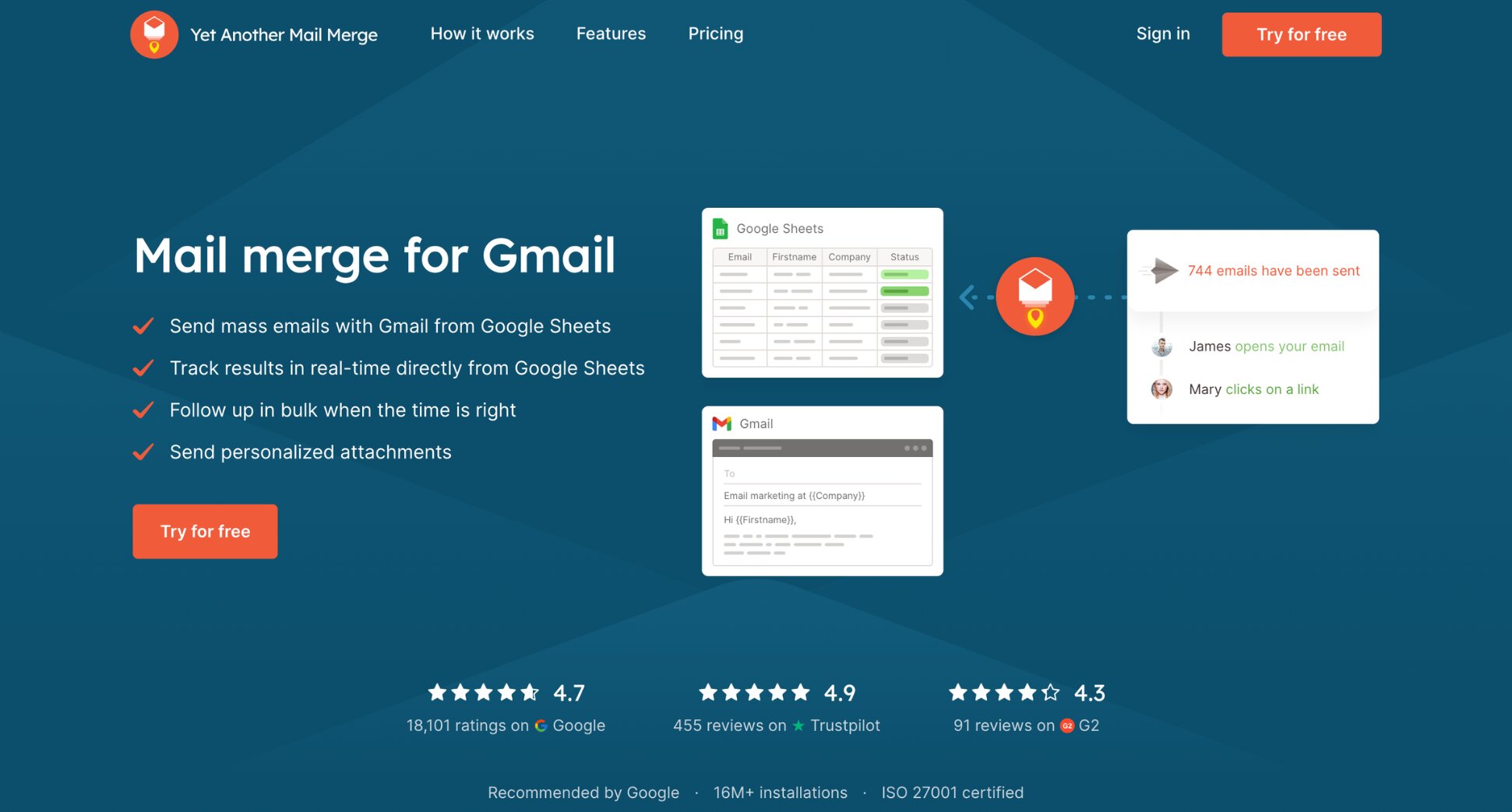
YAMM is a Google Sheets add-on that sends personalized emails through Gmail. It’s one of the oldest mail merge tools for Google Workspace, and it covers the basics: personalization, open and click tracking, and bounce tracking.
Best for: occasional senders who want a simple mail merge from Google Sheets.
Free plan: up to 20 recipients per day, with open and click tracking.
Paid plans: Pro at $6/month billed annually for a Gmail account, or $12/month for a Google Workspace account (US prices).
Pros: cheap, simple, well integrated with Google Sheets.
Cons: a smaller free plan than Mailmeteor’s, and fewer campaign features.
3. Streak: Best for Mail Merge With a CRM in Gmail
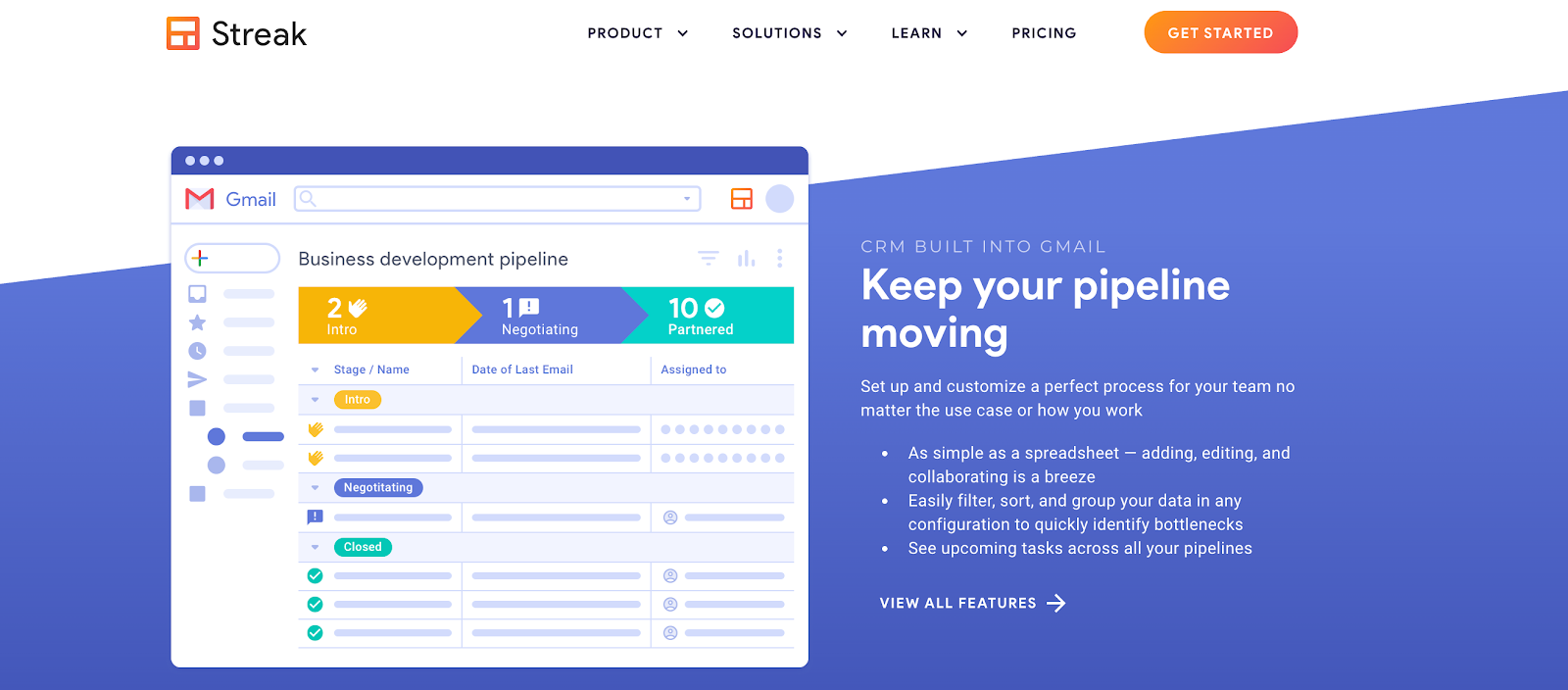
Streak turns Gmail into a CRM. You organize your emails into pipelines (sales, hiring, partnerships), and you can send mail merges and track emails from the same place.
Best for: small teams that want to manage contacts and deals in Gmail, and send personalized emails to them.
Free plan: basic CRM features, with email and link tracking.
Paid plans: Pro at $59 per user per month, or $49 billed annually.
Pros: CRM, mail merge and tracking in one tool, all inside Gmail.
Cons: expensive if you only need mail merge, and a learning curve to set up pipelines.
4. Right Inbox: Best for Mail Merge Plus Productivity Features
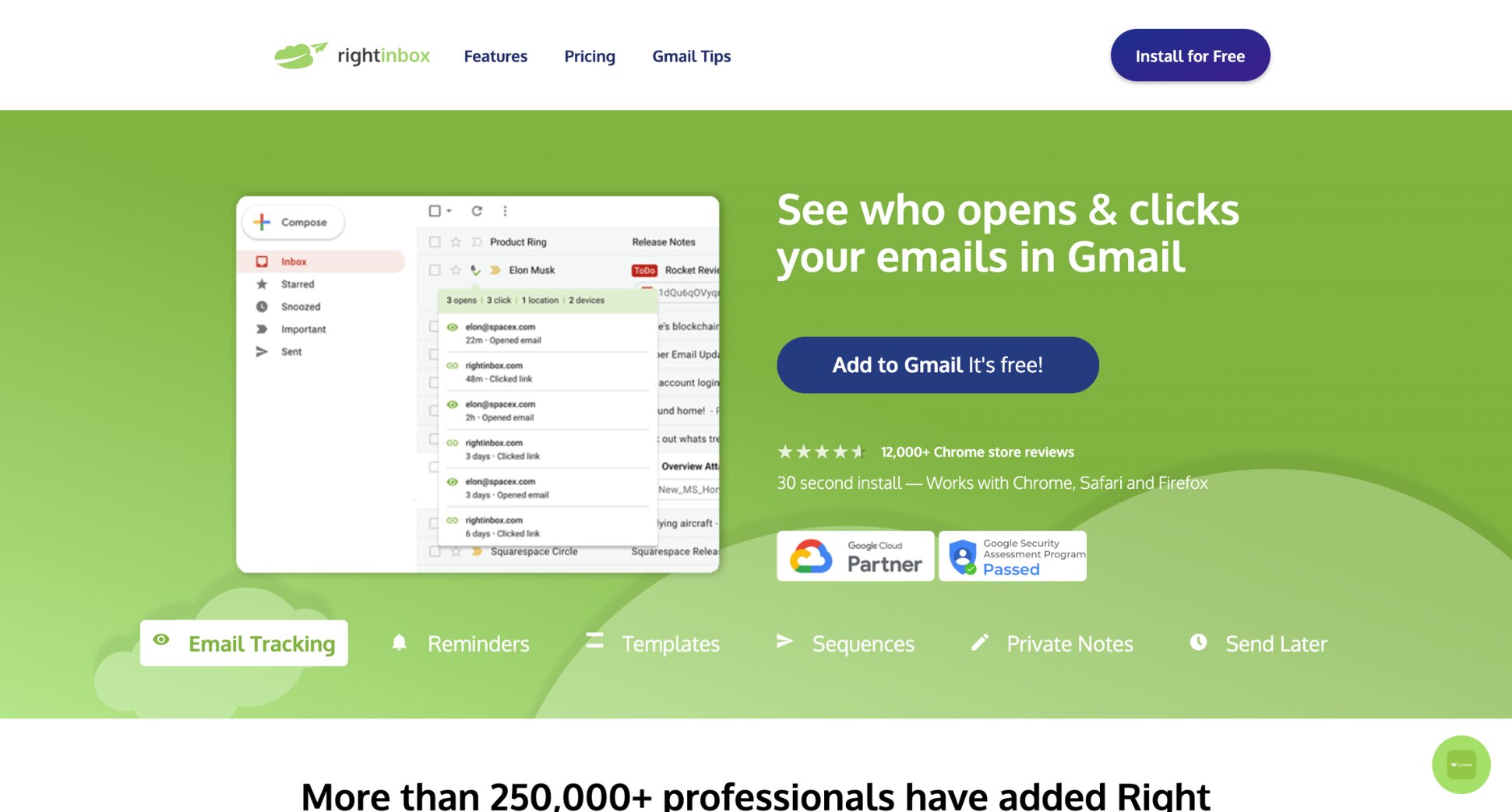
Right Inbox adds productivity features to Gmail: scheduling, templates, reminders, email tracking, private notes and mail merge.
Best for: professionals who want mail merge as part of a wider set of Gmail tools.
Free plan: 5 tracked emails per month.
Paid plans: Professional at $9.95 per month, or $7.95 billed annually.
Pros: many productivity features in one extension.
Cons: mail merge is one feature among many, not the core of the tool, and the free plan adds a “Sent with Right Inbox” line.
5. Snov.io: Best for Cold Outreach
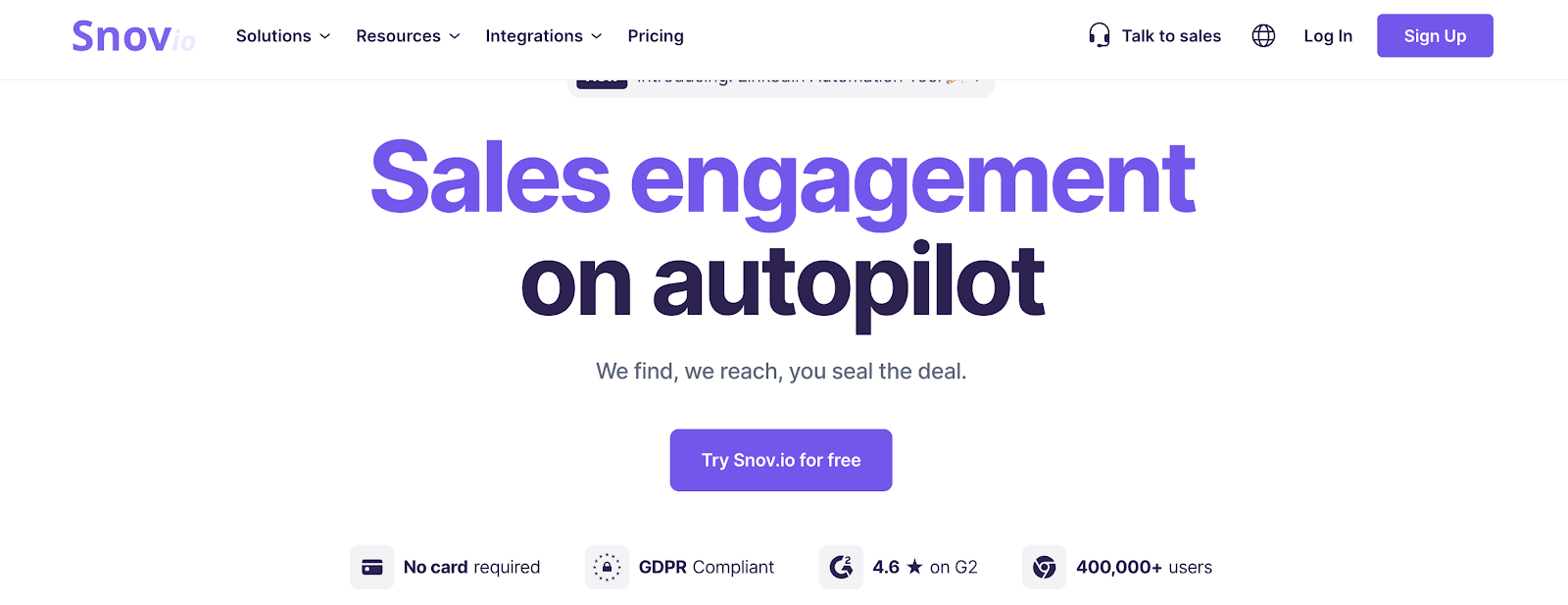
Snov.io is a sales outreach platform. It finds and verifies email addresses, runs automated drip campaigns and tracks opens and clicks.
Best for: sales and growth teams that need to find leads, not just email an existing list.
Free plan: trial credits for email finding, verification and campaigns.
Paid plans: Starter at $39/month.
Pros: lead finding, verification and campaigns in one platform.
Cons: much more than you need for a simple mail merge, and credits run out quickly.
If you’re comparing outreach tools, see our Snov.io alternatives.
6. MailTracker: Best if You Only Need to Track Your Emails
Some people use Mailmeteor mostly for its tracking. If you don’t send campaigns, but want to know when your one-to-one emails are opened (proposals, quotes, applications, follow-ups), a mail merge tool is more than you need.
MailTracker is a Chrome extension for Gmail that tracks your emails automatically, with no signature added, even on the free plan.
Best for: freelancers and professionals who send important individual emails and want to know when to follow up.
Free plan: up to 20 tracked emails per month, with no signature.
Paid plans: Starter at $29.99/month, or $20/month billed annually.
Key features:
- Real-time notifications when your email is opened or reopened
- Each recipient tracked separately in group emails
- Device detection (mobile or desktop) and PDF tracking
- Alert when an email is still unopened after 48 hours
- Link click tracking and follow-up reminders (paid plans)
Pros: automatic tracking inside Gmail, no signature, nothing to set up.
Cons: no mail merge or campaigns, and Gmail only.
Add MailTracker to Chrome for free
Comparing trackers rather than mail merge tools? See our list of the best email trackers for Gmail.
Which Mailmeteor Alternative Should You Choose?
Start from what you need:
- You send campaigns from Gmail and need more advanced features: GMass.
- You want the cheapest simple mail merge: YAMM.
- You manage deals or candidates in Gmail: Streak.
- You want mail merge plus scheduling and templates: Right Inbox.
- You do cold outreach and need to find leads: Snov.io.
- You only want to know when your one-to-one emails are opened: MailTracker.
And if you mostly need simple, affordable mail merge from Gmail or Google Sheets with a free plan, Mailmeteor is still hard to beat.
FAQs About Mailmeteor Alternatives
What is the best alternative to Mailmeteor?
It depends on what you need. GMass is the most complete for advanced Gmail campaigns, YAMM is the cheapest for basic mail merge, and Streak adds a CRM. If you only need tracking, MailTracker is simpler.
Is there a free alternative to Mailmeteor?
YAMM has a free plan with up to 20 recipients per day. Streak includes free email tracking with its CRM. For tracking only, MailTracker tracks 20 emails per month for free. Mailmeteor’s own free plan (50 emails per day) is one of the most generous.
What’s the difference between Mailmeteor and GMass?
Both send mail merge campaigns from Gmail. GMass focuses on advanced campaigns (sequences, A/B tests, high volumes) and costs more. Mailmeteor is simpler and cheaper, with a larger free plan, and also works with Outlook and Excel.
Does Mailmeteor track emails?
Yes. Mailmeteor tracks opens and clicks for each recipient of your campaigns, and the tracking is included in its free plan.
What’s the difference between a mail merge tool and an email tracker?
A mail merge tool sends personalized emails to a list. An email tracker tells you when the emails you send are opened. Many mail merge tools include tracking, but if you only send individual emails, an email tracker like MailTracker is simpler.

