


Gmail does not have a built-in email tracking feature. To know when someone opens your email, you need a third-party Chrome extension.
The good news is that you do not need a CRM for this. A simple extension that connects to Gmail is all it takes, and the setup is under a minute.
This guide covers which tools do this without a CRM, how they work, and how to use the data once you have it.
Gmail Does Not Track Email Opens by Default
Once an email leaves your outbox, Gmail gives you no information about what happens next. You do not know if it was opened, ignored, or never seen.
Gmail does have a native read receipt feature, but it only works on Google Workspace accounts, not personal Gmail addresses. And even then, it requires the recipient to manually approve the request. Most people decline.
Third-party Chrome extensions are the practical solution. They work by embedding an invisible tracking pixel in your outgoing emails.
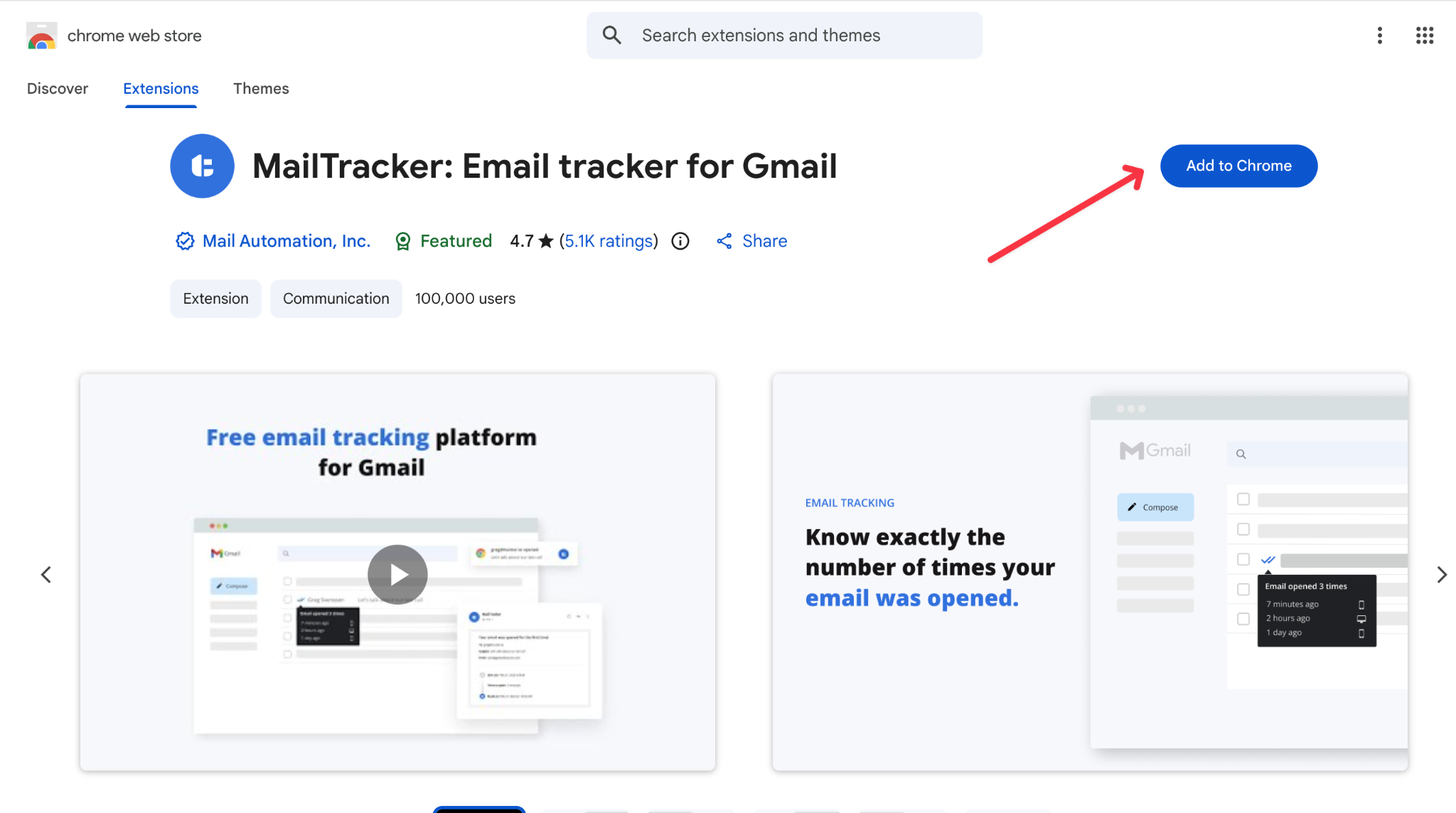
When the recipient opens the message, their email client loads that pixel, and that request sends a signal back to the extension. You get a notification inside Gmail showing when the email was opened, how many times, and whether any links were clicked.
Nothing changes on the recipient’s end. They see no label, no indicator, nothing different about the message.
One thing worth knowing: Apple Mail’s Privacy Protection can preload images automatically, which sometimes creates a false open signal. For one-to-one professional email this is rarely a major issue, but it is worth treating open data as a strong signal rather than a certainty.
For a full breakdown of the privacy and safety side of email tracking: is email tracking safe
The Chrome Extensions That Track Email Without a CRM
Most email tracking tools on the market come bundled with CRM features, cold email sequences, or contact management systems you do not necessarily need. The ones worth looking at here are the ones that work purely as Chrome extensions inside Gmail.
MailTracker is the simplest option and the one we built specifically for this use case. It tracks opens and link clicks automatically on every email, shows notifications directly inside Gmail, and requires no manual activation before each send.
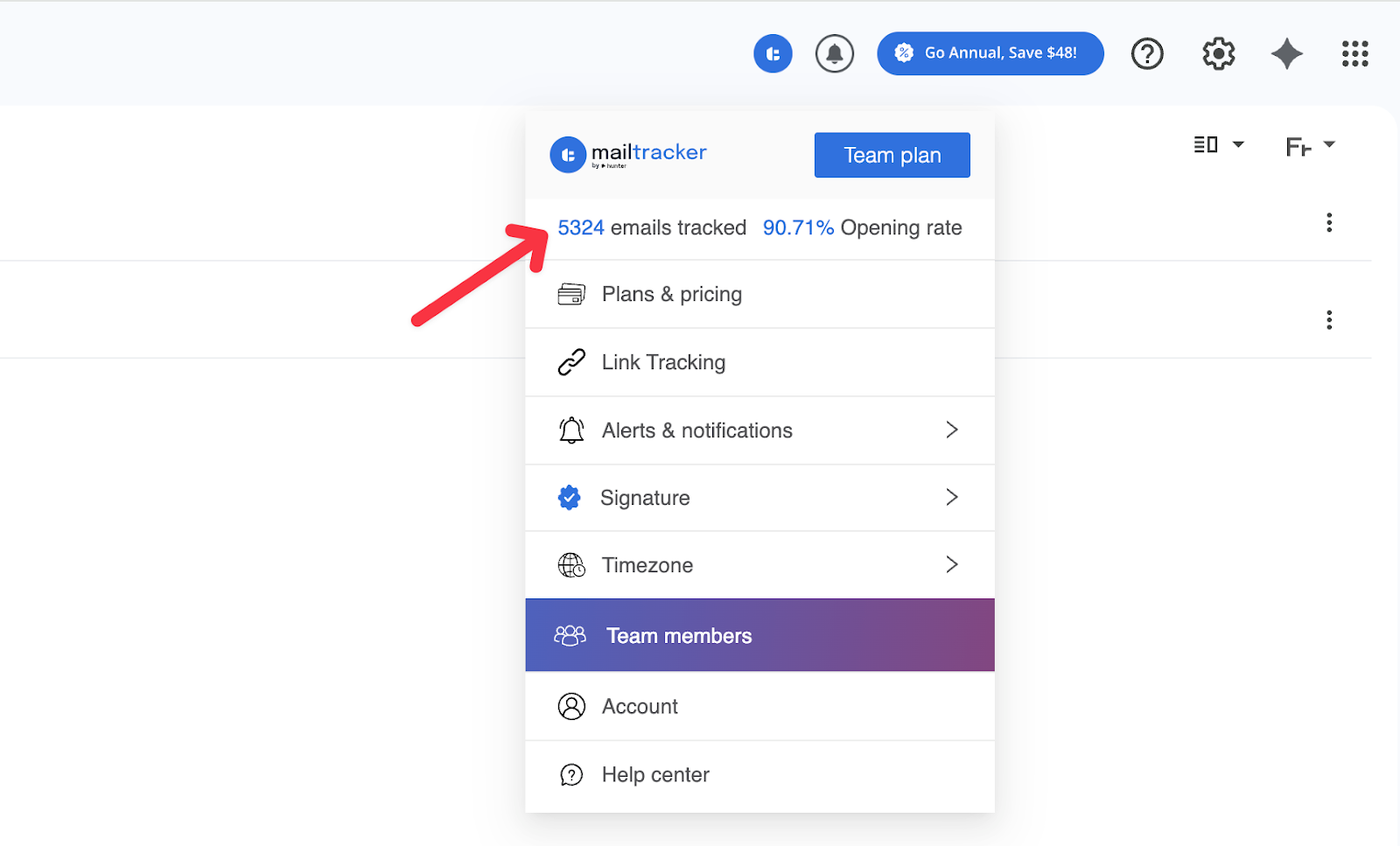
There is no separate dashboard to check, no pipeline to manage, nothing to configure. You install it, and it runs in the background from that point on.
What separates MailTracker from most alternatives on the free plan is that it adds no branding to your outgoing messages. Your emails look exactly as you wrote them.
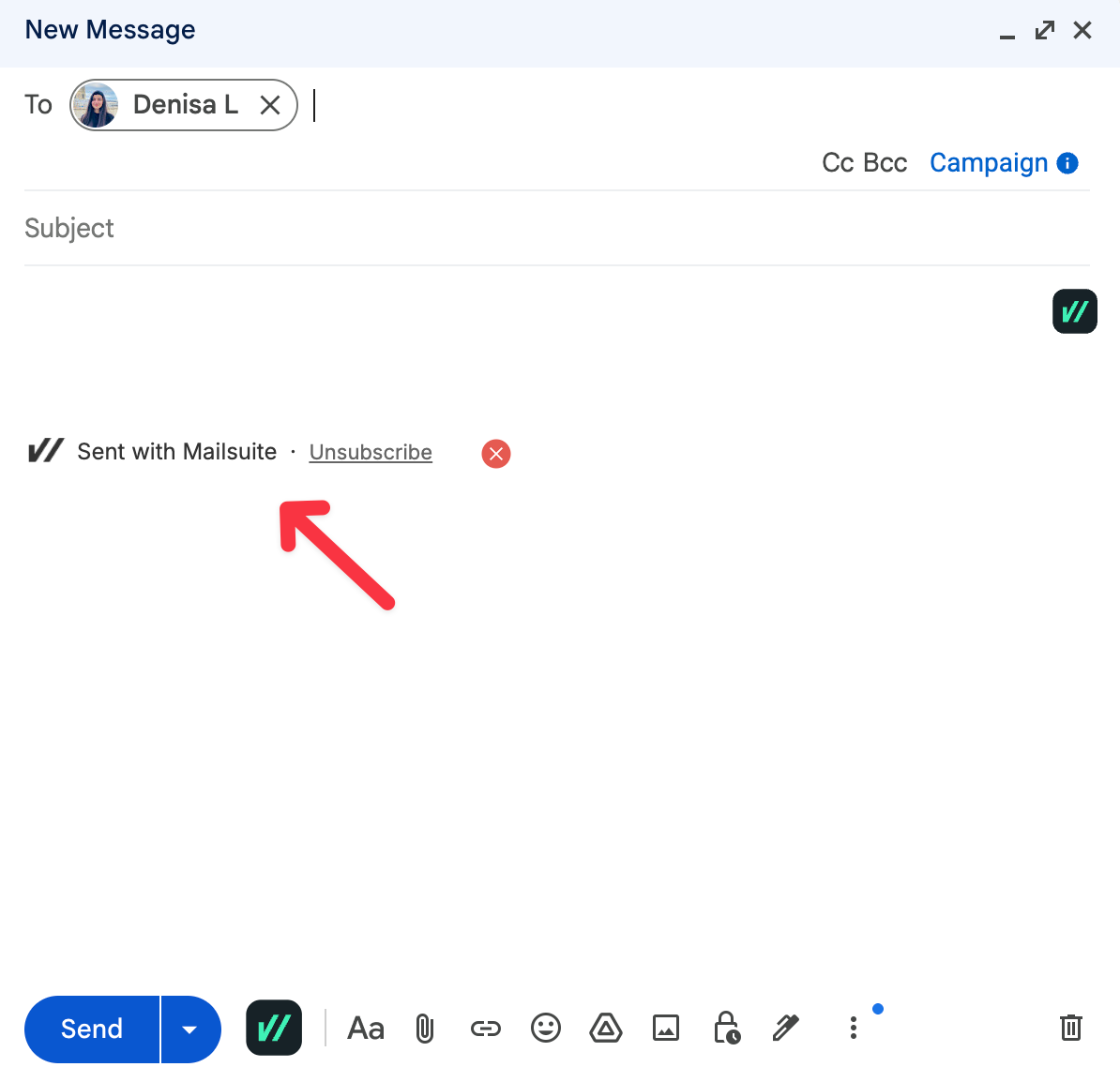
That matters more than it sounds: tools like Mailsuite (formerly Mailtrack) attach a “Sent with Mailsuite” signature to every free-plan email, which is visible to whoever you are emailing.
If you are wondering whether recipients can tell they are being tracked and what actually gives it away, we cover that in detail here: can someone tell if you are tracking their emails
Snov and Streak also offer free tracking, but they are built around cold outreach workflows and come with features most people sending one-to-one emails do not need.
MailTracker’s free plan covers 20 emails per month. For most people getting started, that is enough to understand how they use it before deciding whether to upgrade.
For more, check our full comparison of which free trackers add a signature and which do not here:free email trackers without a signature
How to Use Email Tracking Data
Getting the open notification is the easy part. Knowing what to do with it is where most people miss the value.
When an email is opened once with no reply, you know the person saw it. That is enough to follow up confidently. A short follow-up two or three days later is well-timed and far more informed than one sent without knowing whether your message was even received.
When someone opens the same email several times, they are actively thinking about it. That is the right moment to follow up with something that moves things forward, not later when the moment has passed.
A message that arrives while someone is already in your email lands very differently than one that shows up at a random point the next day. If you want to build a proper process around these signals, our guide covers the full strategy:email follow-up strategy based on opens and clicks
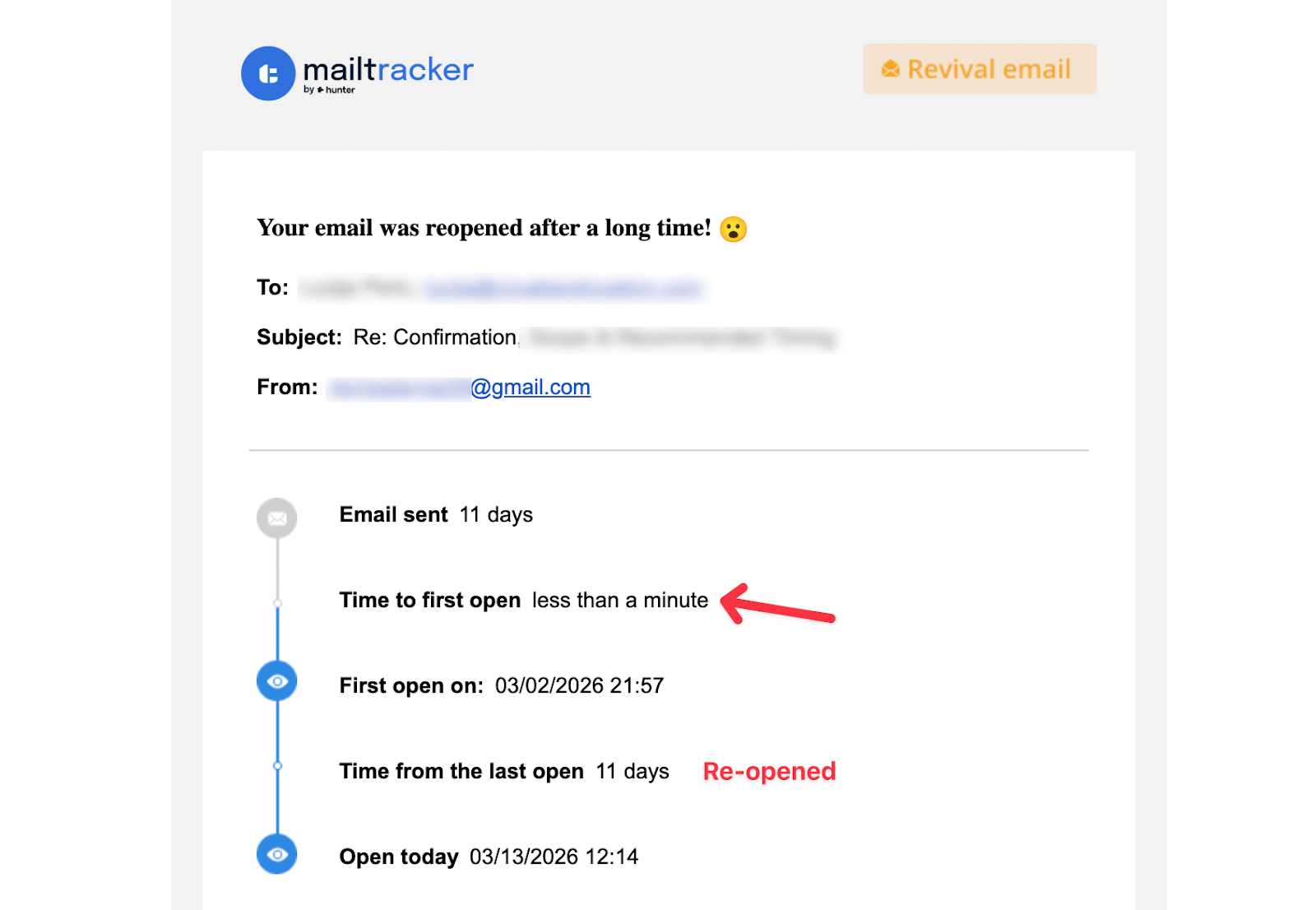
The signal most people overlook is the reopen. When someone comes back to your email after days of silence, something changed on their end. Budget got approved, a colleague brought it up, they are now comparing options.
MailTracker flags this automatically inside Gmail, and it is consistently the best moment to reach back out. You can also set a follow-up reminder for emails that stay unopened, directly inside Gmail, for 2 days, 5 days, 7 days, or a custom date, without switching to another tool.
When an email was never opened at all, resending the same message rarely works. The issue is almost always the subject line or a delivery problem, not the content.
Changing your approach before following up makes more sense. Here is a real example of what that situation looks like and what actually moved the needle:email never opened case study.
Frequently Asked Questions
Can I track emails in Gmail for free?
Yes. MailTracker’s free plan tracks up to 20 emails per month with no branding added to your outgoing messages. Paid plans start at $29.99 per month for unlimited tracking.
Can the recipient tell their email is being tracked?
No. With MailTracker, nothing changes on the recipient’s end. No label, no signature, no visible indicator that the email was tracked.
How is email tracking different from Gmail read receipts?
Gmail read receipts require the recipient to manually confirm they have read your message, and most people decline. Email tracking is automatic and invisible, and gives you open count, timestamps, link clicks, and reopen history on top of that. Check our full comparison:Gmail read receipts vs email tracking
Does email tracking work with scheduled emails?
Yes. The notification comes through when the recipient opens the email, regardless of when it was originally sent.
What does it mean if my email was never opened?
It usually points to a subject line or delivery issue rather than the content itself. Changing your approach before following up is more effective than resending the same email.

